
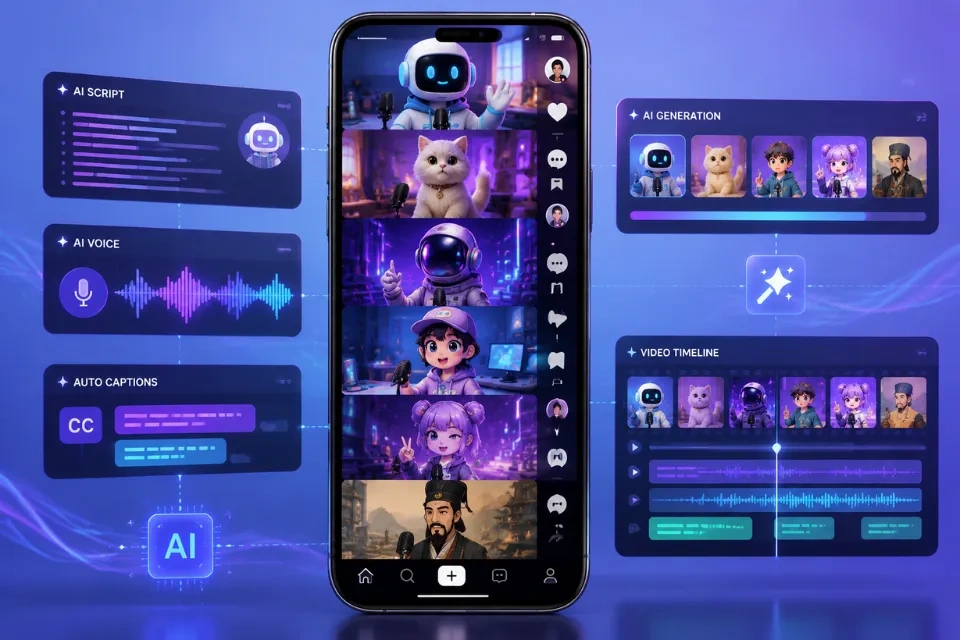
You do not need to appear on camera to build a recognizable TikTok account. A strong hook, a repeatable format, and a clear point of view can give faceless videos a distinct personality.
AI makes that workflow faster. With Lip Sync AI, you can turn still images into speaking characters, create digital presenters, dub clips for new audiences, and match mouth movement to recorded or generated audio without installing editing software.
The 15 ideas below cover creators, educators, small businesses, and niche accounts. Each includes a practical format and a specific AI tool for producing it.
Quick Answer: What Are the Best Faceless TikTok Content Ideas?
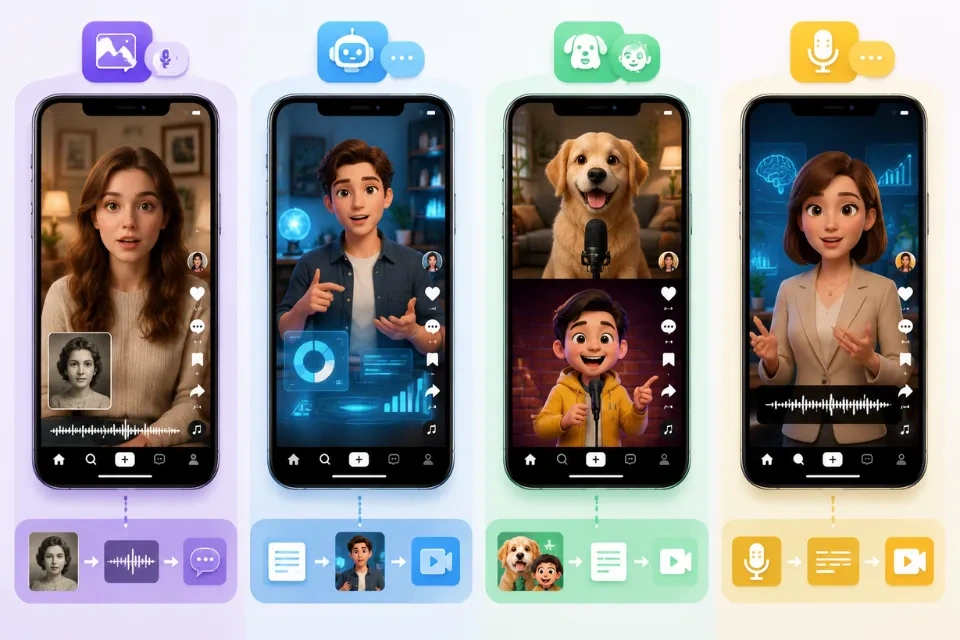
The best faceless TikTok content ideas are formats that deliver value before viewers wonder who is behind the account. Start with narrated explainers, talking-photo stories, AI news updates, product demonstrations, animated characters, screen-recorded tutorials, multilingual clips, or two-avatar debates. These formats fall into four useful groups: education, entertainment, storytelling, and product discovery.
If you try only one format, make a 20- to 30-second talking-photo explainer. It needs one image, one focused script, and one voice track. Keep the first sentence specific, add readable captions, and end with an answerable question.
| Goal | Best format to test first | AI production shortcut |
|---|---|---|
| Teach something | Narrated explainer | Talking avatar |
| Build a niche news account | Daily update | AI news anchor |
| Tell memorable stories | Historical talking photo | Talking photo animation |
| Reach more regions | Localized series | AI dubbing |
| Promote a product | Product spokesperson | Product avatar |
| Entertain consistently | Recurring character | Talking cartoon |
Why Does Faceless TikTok Content Work in 2026?
Faceless content works because TikTok discovery rewards what a video delivers. TikTok announced more than one billion monthly users in 2021, and its 2026 trend report says audiences are looking for honest stories, useful discovery paths, and clear reasons to care.
A format can become the identity. A distinct narrator, visual template, character, or recurring question gives viewers something recognizable.
Production becomes easier to repeat. Batch scripts, reuse a visual framework, and change the topic, voice, or character. This makes it practical to test hooks and build a series.
Niche expertise can stay at the center. Screen recordings, object footage, animated photos, avatars, and voiceovers let the information lead. This fits TikTok's 2026 focus on curiosity and deeper discovery.
Faceless does not mean impersonal. Show your judgment through the examples you choose, claims you verify, and comments you answer.
15 Faceless TikTok Content Ideas to Create With AI
Idea 1: A Talking-Photo History Series
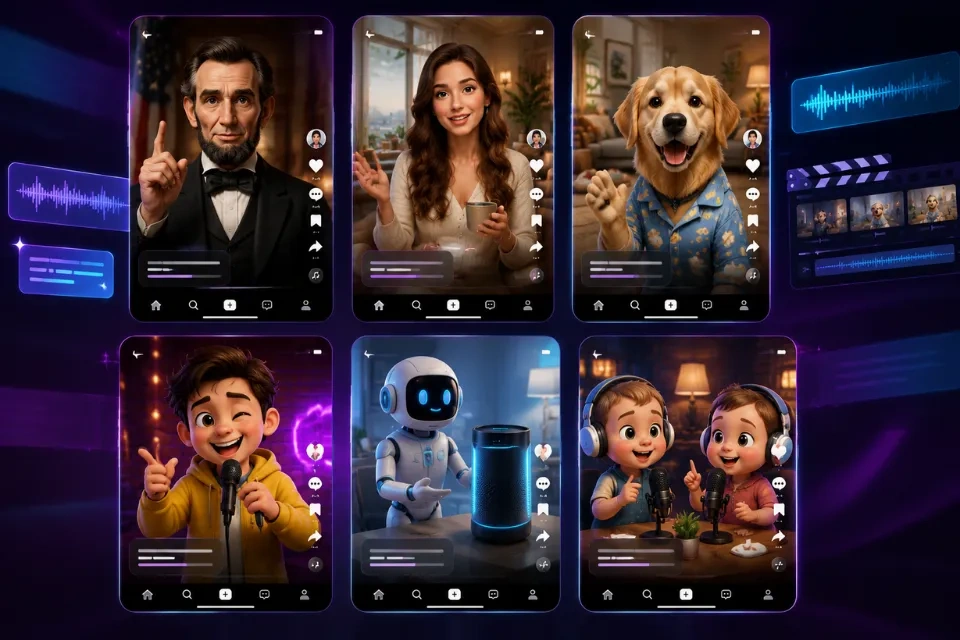
Animate a licensed or public-domain portrait and let the subject introduce a historical moment. Build each post around one surprising detail, then separate documented facts from dramatized lines. A recurring title such as "30 Seconds With History" makes the concept recognizable.
Create the presenter with the AI Talking Photo tool, then combine the result with maps, dates, or archival images. Avoid fabricating quotes, and identify reconstructions clearly.
Idea 2: Daily Niche News Briefings
Choose a narrow beat such as indie games, creator tools, local events, or sustainable fashion. Cover one verified development per video. Put the update first, explain why it matters, and list the source on screen or in the caption.
Use the AI News Anchor to give the series a consistent host. Record only after checking the original reporting, date, and context.
Idea 3: Multilingual Versions of a Winning Video
When one post earns saves or thoughtful comments, adapt it for another language. Localize the hook, examples, text overlays, and call to action rather than translating literally. Publish each language as a separate post.
The AI Dubbing tool can replace the spoken track while preserving the speaker's timing and mouth movement. Have a fluent reviewer check slang, pronunciation, and sensitive claims before publishing.
Idea 4: An AI Tutor for Micro-Lessons
Turn one useful concept into a short lesson: a grammar correction, spreadsheet shortcut, design principle, or coding pattern. Use a simple structure: common mistake, better approach, one example.
Build a repeatable instructor with the AI Talking Avatar. Keep the avatar in one part of the frame and reserve the rest for examples viewers can read without pausing.
Idea 5: Songs From Unexpected Characters
Transform an illustration, vintage portrait, mascot, or original character into a short singing performance. The contrast between image and voice supplies the hook. Use original audio or properly licensed music.
Animate the performance with AI Singing Photo. Start on the most surprising lyric or note instead of using a long musical introduction.
Idea 6: Product Tips From a Virtual Spokesperson
Show a product in use while a generated spokesperson explains one benefit, setup step, or common mistake. Demonstrate the texture, size, workflow, or result viewers need to judge. Give each question its own video.
Create the presenter with the Product Avatar Generator. Keep prices, guarantees, ingredients, and shipping terms in accurate on-screen text and the official product page.
Idea 7: Animated Myth-vs-Fact Clips
Open with a familiar claim in large text, then let a character explain what is misleading. This works wherever people repeat oversimplified advice. Cite a reliable source and avoid presenting professional guidance as universal fact.
Use AI Talking Cartoon to turn an original illustration into a recurring fact-checking host. Give the character a consistent role, not a different personality in every post.
Idea 8: A Virtual Creator With a Defined Niche
Develop a fictional creator around a precise interest and editorial promise. A virtual urban gardener, budget travel planner, or retro-tech reviewer is clearer than a generic "AI influencer." Define the character's voice, expertise, boundaries, and visual continuity.
Generate consistent concepts with the AI Influencer Generator. Disclose the synthetic identity and never design it to impersonate a real person.
Idea 9: Talking-Pet Advice or Comedy
Give an animal character a point of view on routines, office life, or household rules. Use observation rather than random voiceovers: a dog critiques the morning walk, or a cat reviews the latest box. Keep the setup and payoff short.
Use AI Talking Animals with a photo you own or have permission to use. Keep unsafe pet-care jokes clearly fictional and avoid claims that could be mistaken for veterinary advice.
Idea 10: A Mini Podcast With Unusual Hosts
Stage a 30-second podcast segment in which two characters debate a simple question: "Is the book better than the film?" or "Which productivity rule should disappear?" Conversation creates tension without a real studio.
For a playful visual, use AI Baby Podcast. Write distinct voices for each host and make the disagreement understandable even when viewers join halfway through.
Idea 11: Two-Avatar Point-Counterpoint Videos
Use two digital presenters to show both sides of a decision. One can argue for renting while the other argues for buying. Finish with a useful decision rule rather than forcing a universal winner.
Produce the exchange with Avatar Dialogue. Change speaker position, caption color, or camera crop consistently so viewers always know who is talking.
Idea 12: Visual Riddles and "Guess Before the Reveal" Posts
Create an unusual scene and ask viewers to identify an object, place, or event from three clues. Make the answer fair and deliver the reveal quickly. Invite guesses before viewers read the comments.
Build the clue image with the AI Image Generator, then add narration and a clean reveal card. Do not use AI-generated images as evidence for real news or events.
Idea 13: A Branded Narrator Voice for List Videos
Make compact lists such as "three free tools for students" or "five phrases that sound more natural." A stable narrator voice connects different visuals. Write for listening with short sentences and one idea per line.
Create a permitted voice model with AI Voice Cloning. Clone only your own voice or a voice for which you have explicit authorization, and label synthetic audio when required.
Idea 14: Before-and-After Audio Makeovers
Teach viewers how sound changes a video with a noisy "before" sample and clean "after" sample. Explain one fix per post, such as reducing background hum or balancing speech volume.
Prepare the cleaner track with AI Audio Enhancer. Use headphones during review and avoid promising that damaged recordings can always be fully restored.
Idea 15: A Recurring Fictional Expert
Create an original expert character who answers one audience question per post. Try a museum curator from the future, a strict résumé editor, or a minimalist home organizer. Use a repeatable opening phrase.
Design the presenter with the AI Human Generator, then keep the same visual traits and speaking style across episodes. Make the fictional nature clear, especially in health, finance, legal, or news-related niches.
How to Create Faceless TikTok Videos With AI: Step by Step
Step 1: Choose One Audience and One Repeatable Promise
Define who the account helps and what viewers should get. "Daily 30-second design fixes for first-time founders" is stronger than "creative tips." Pick a concept that supports at least ten variations.
Step 2: Write the Hook Before the Full Script
Start with the outcome, tension, or specific question: "This map changes how you understand Rome" is clearer than "Here is an interesting history fact." Write only what delivers on that promise, then read it aloud.
Step 3: Build the Voice and Visual
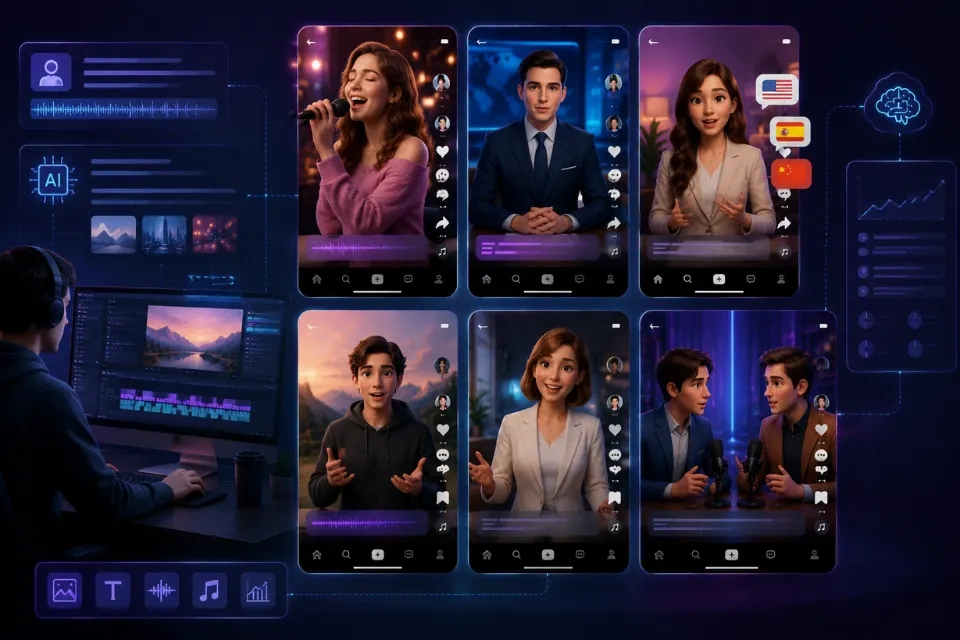
Choose the relevant workflow, upload or generate the visual, and add a voice source. The browser-based Lip Sync AI generator supports video or image inputs. Use assets you own, license, or have permission to transform.
Step 4: Edit for TikTok Viewing
Use a vertical canvas, keep text away from interface overlays, and make captions readable on a phone. Remove dead air and preview with sound on and off. The first frame should communicate the topic.
Step 5: Publish, Measure, and Iterate
Judge the format across several posts. Track which hooks hold attention, which topics earn saves, and which questions generate meaningful comments. Turn strong comments into follow-up videos.
Tips for Faceless TikTok Content That Performs
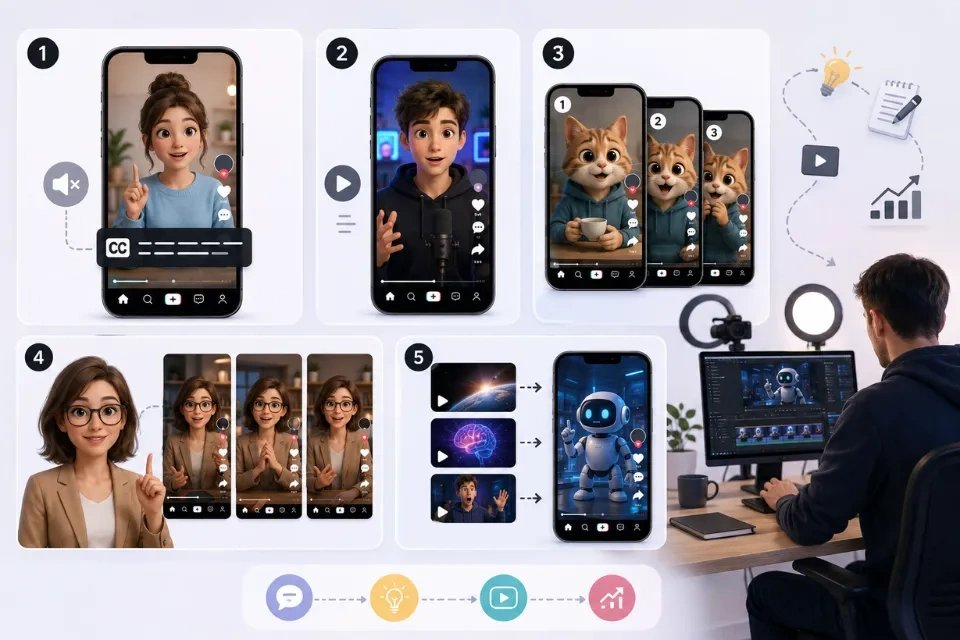
- Lead with a concrete promise. Tell viewers exactly what they will learn, see, compare, or decide.
- Create series, not isolated posts. Repeat a proven frame while changing the subject, example, or character.
- Design for silent viewing. Add accurate captions and meaningful on-screen context, but keep the screen readable.
- Use TikTok as a discovery path. Name the niche topic clearly so viewers can search deeper, then connect it to adjacent questions.
- Show the process. TikTok's 2026 trend report emphasizes unfiltered stories and behind-the-scenes moments over overly polished presentation.
- Keep proof close to the claim. Show the source, demonstration, comparison, or limitation when it becomes relevant.
- Ask answerable questions. "Which version is clearer?" invites better discussion than "Thoughts?"
- Review AI output manually. Check lip movement, pronunciation, captions, visual continuity, and factual accuracy before publishing.
What Faceless AI Content Cannot Do
AI can accelerate production, but it cannot supply taste, expertise, or trust automatically. A polished avatar cannot rescue a vague idea, and a synthetic voice does not make an unsupported claim credible. You still need to choose the angle, verify information, and respond to the community like a real publisher.
Faceless also does not mean responsibility-free. Use only faces, voices, music, images, and footage you have the right to use. Do not imitate public figures or private individuals in misleading ways. TikTok requires labels for certain realistic AI-generated content and may apply an automatic AI-generated label, so review the platform's current rules before publishing.
Keep consequential details in writing. Prices, medical cautions, financial terms, legal conditions, guarantees, and shipping policies should live on an authoritative page that can be updated. Treat an AI TikTok video as an introduction, not as the final record.
Frequently Asked Questions
What are faceless TikTok content ideas?
Faceless TikTok content ideas are video concepts that do not require the creator to appear on camera. They use formats such as narration, screen recordings, objects, animations, talking photos, digital avatars, captions, or generated characters to teach, entertain, tell stories, or present products.
Can faceless TikTok accounts make engaging content?
Yes. Engagement depends on relevance, clarity, pacing, and audience response more than face visibility. A recognizable narrator, character, editing pattern, or series promise can give faceless content a strong identity.
How do you make faceless TikTok videos with AI?
Choose a repeatable concept, write a short hook-led script, create or upload a permitted visual, add a voice, generate the synced performance, and edit it for vertical viewing with captions. Review every output for factual, visual, and pronunciation errors before posting.
Which AI tools are useful for faceless TikTok content?
Useful tools include talking-photo animation, talking avatars, AI news anchors, avatar dialogue, voice cloning, image generation, audio enhancement, and AI dubbing. Match the tool to the story rather than adding an avatar to every idea.
Does TikTok allow AI faceless content?
TikTok allows many forms of AI-generated content, but creators must follow its Community Guidelines and AI-labeling rules. TikTok says creators should label realistic content that is completely generated or significantly edited by AI, and some content may receive an automatic label. Check the latest official guidance before publishing.
Final Thoughts
The best faceless TikTok strategy is not to hide the creator; it is to make the idea unmistakably useful or entertaining. Pick one format, develop ten versions, and let audience behavior show you what deserves a series. Keep the visuals consistent, the scripts specific, and the AI use transparent.
Start with one image and one short script in Lip Sync AI, then turn the strongest result into a repeatable TikTok format.