
Social Media Content Creation
Create engaging short videos with a talking avatar for TikTok, Instagram Reels, YouTube Shorts, and other social platforms. Turn your scripts into presenter-style content without recording yourself every time.

Turn any portrait into a realistic talking avatar with perfect lip sync.
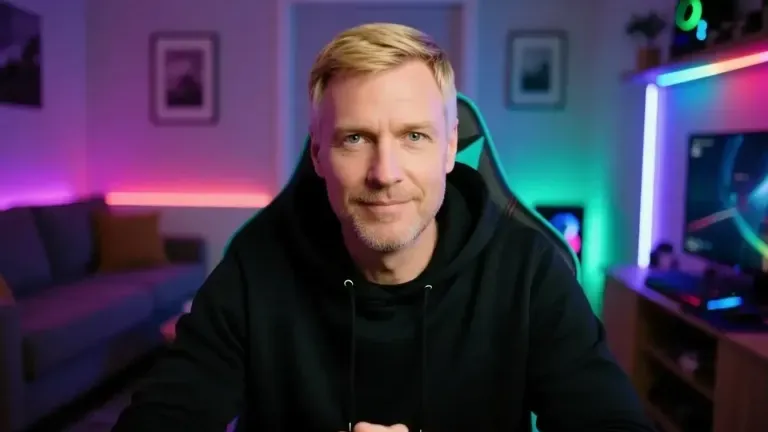
Turn a photo into a talking avatar video with Lip Sync AI. Upload an image, enter text or add audio, and create a talking video with AI-powered lip sync - no sign-up required.
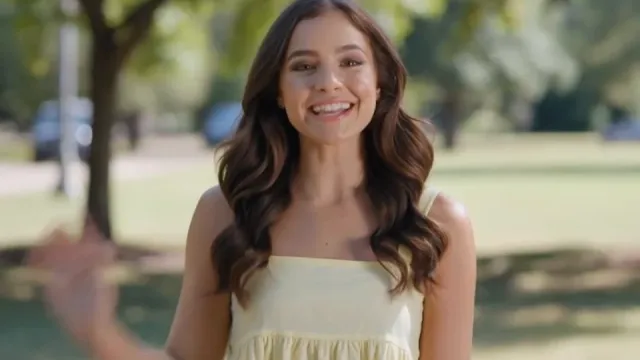


Create engaging short videos with a talking avatar for TikTok, Instagram Reels, YouTube Shorts, and other social platforms. Turn your scripts into presenter-style content without recording yourself every time.
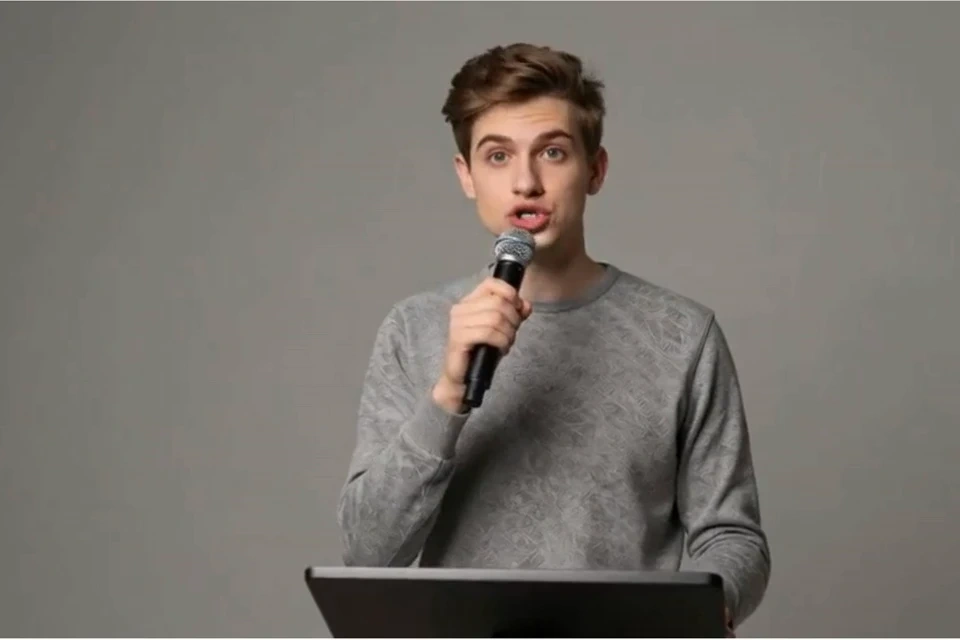
Use an AI talking avatar to explain lessons, introduce courses, and create training videos. Update your scripts and generate new videos without repeatedly filming a presenter.
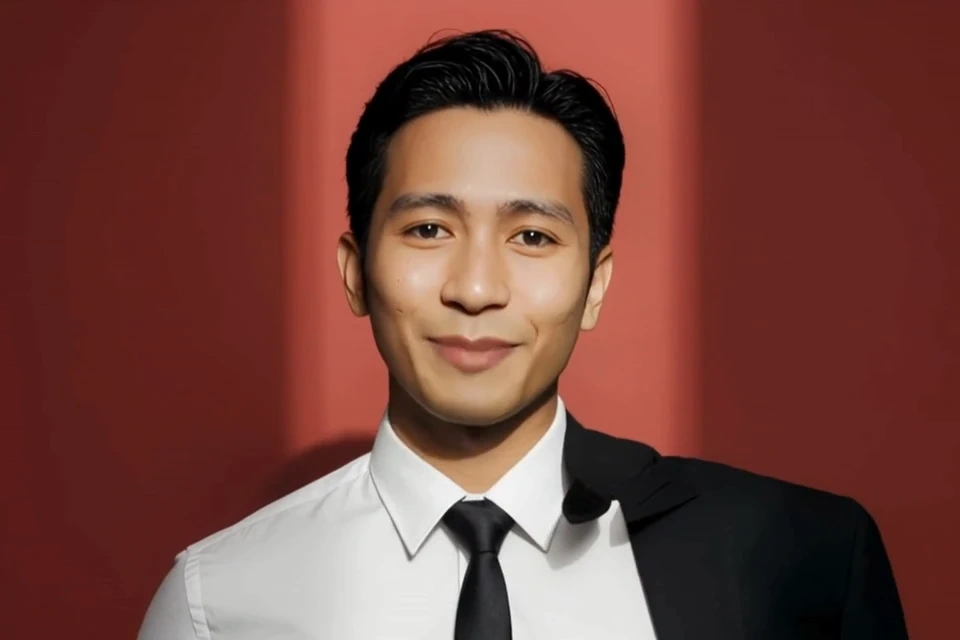
Create talking avatar videos for product launches, company news, and marketing campaigns. Keep your brand communication consistent with reusable digital presenters.
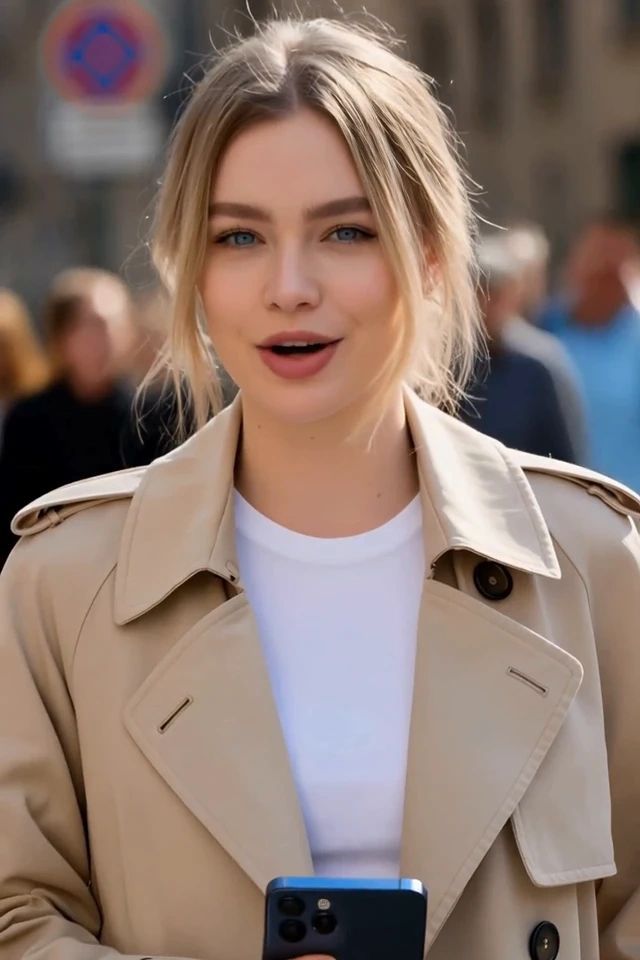
Turn FAQs, product instructions, and onboarding steps into talking avatar videos. Make complex information easier to follow with a visual presenter.
Start creating talking avatar videos online without registering an account. Lip Sync AI offers free access with usage limits based on the current credit allowance, generation settings, and available features.
Create talking avatar videos using a photo and your preferred speech input. Add text for text-to-speech generation, upload an existing audio file, or use a recorded voice to bring your avatar to life.
Lip Sync AI synchronizes avatar mouth movements with speech to create a natural talking-video effect. Turn a still portrait into presenter-style content without manually animating facial movements, then preview the result before publishing.
Create a talking avatar video in three simple steps: upload a photo or select an avatar, add text or audio, and generate your video. The online workflow helps you create presenter-style content without camera recording or manual lip-sync editing.
Save your generated talking avatar videos using the available download option. Once your video is ready, you can download the result for your next project, subject to the product's current download options and applicable usage restrictions.
Use photos, voices, and scripts that you own or have permission to use. Before sharing or commercially using a generated talking avatar video, check the relevant rights for your source materials and review the product terms to ensure your intended use is permitted.
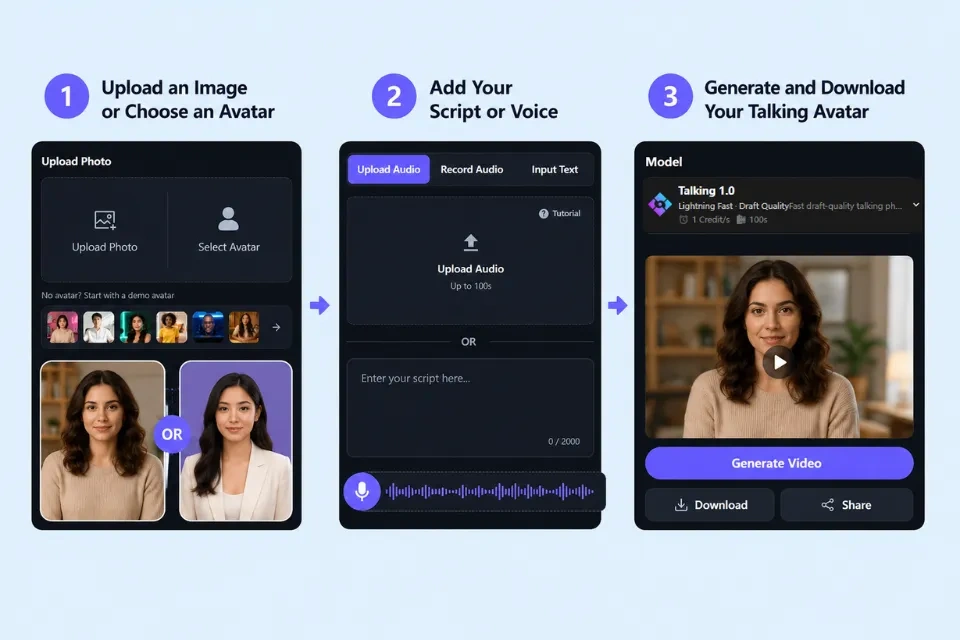
Upload a clear portrait or select an available digital avatar. A front-facing photo with good lighting can help produce better facial animation.
Enter a script for AI text-to-speech, upload an audio file, or record your voice if the option is available. Use clear speech to help the avatar match your content.
Generate your video and preview the lip sync and facial animation. When you're satisfied with the result, download it using the available export option.
Upload a portrait, character image, or digital avatar and instantly create a talking avatar with realistic facial movements and lip sync. Lip Sync AI transforms static images into engaging videos without filming or editing skills. It’s an easy way to create a free talking avatar online for social media, education, and marketing content.
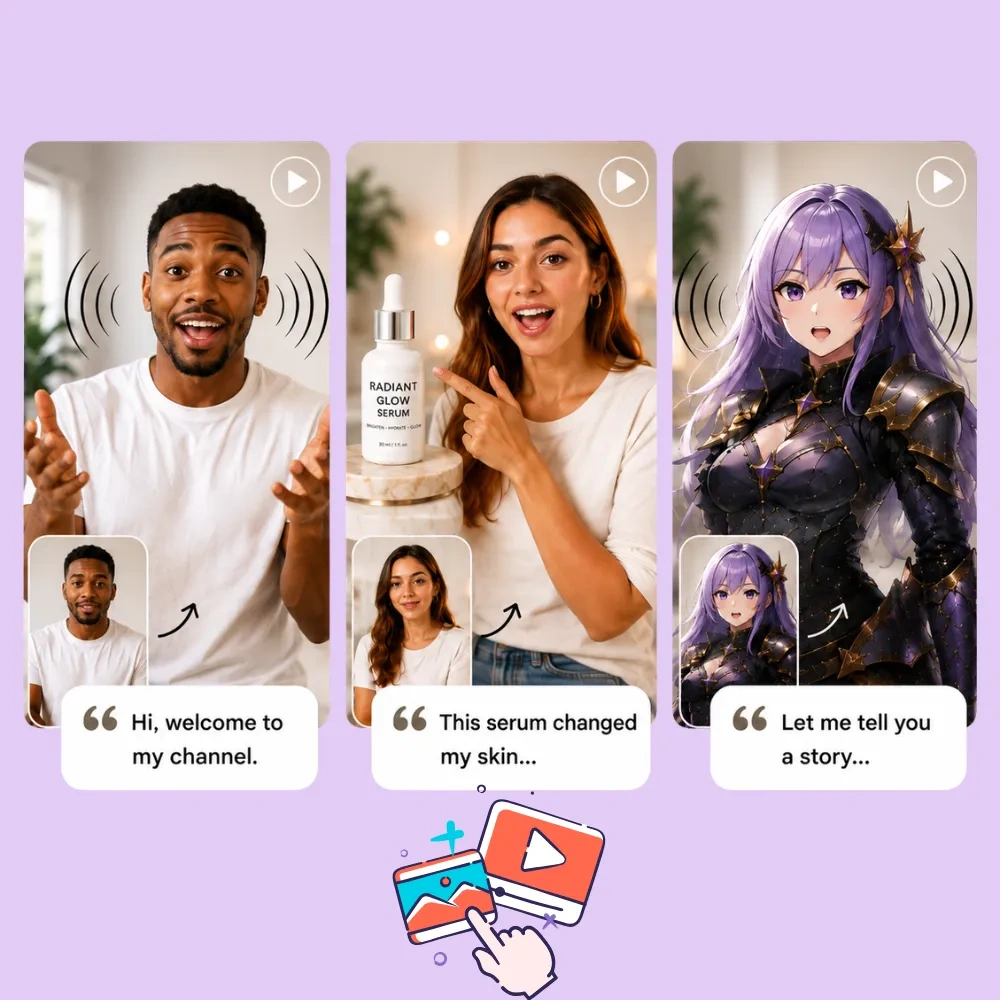
Turn written scripts into natural voice videos with an AI talking avatar generator. Simply enter your text and let AI create speech with synchronized facial animation and expressions. This workflow makes it easier to understand how to create a talking AI avatar and produce presenter-style videos in minutes.
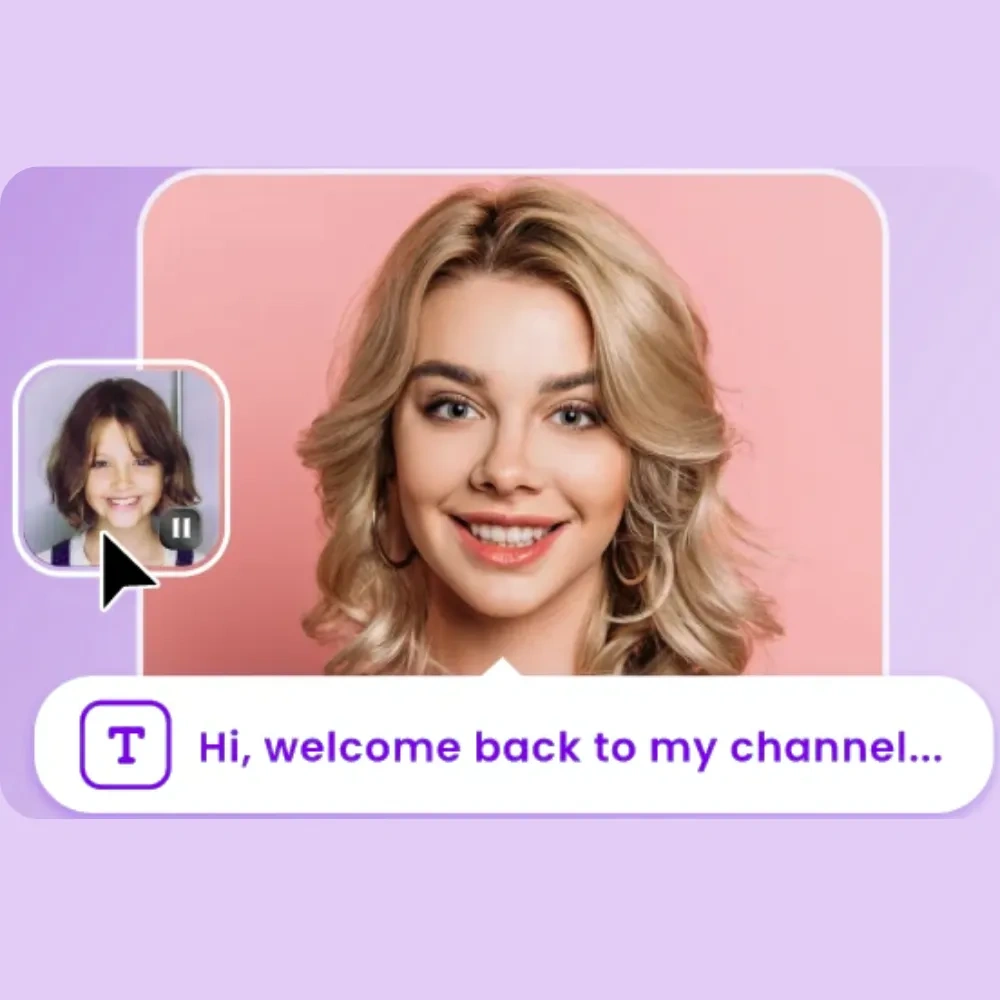
Upload your voiceover or record audio directly to create a personalized avatar video. The talking avatar AI free workflow matches speech timing with accurate lip movements and natural expressions. Bring your ideas to life with custom voices, making every AI-generated video feel more realistic and engaging.
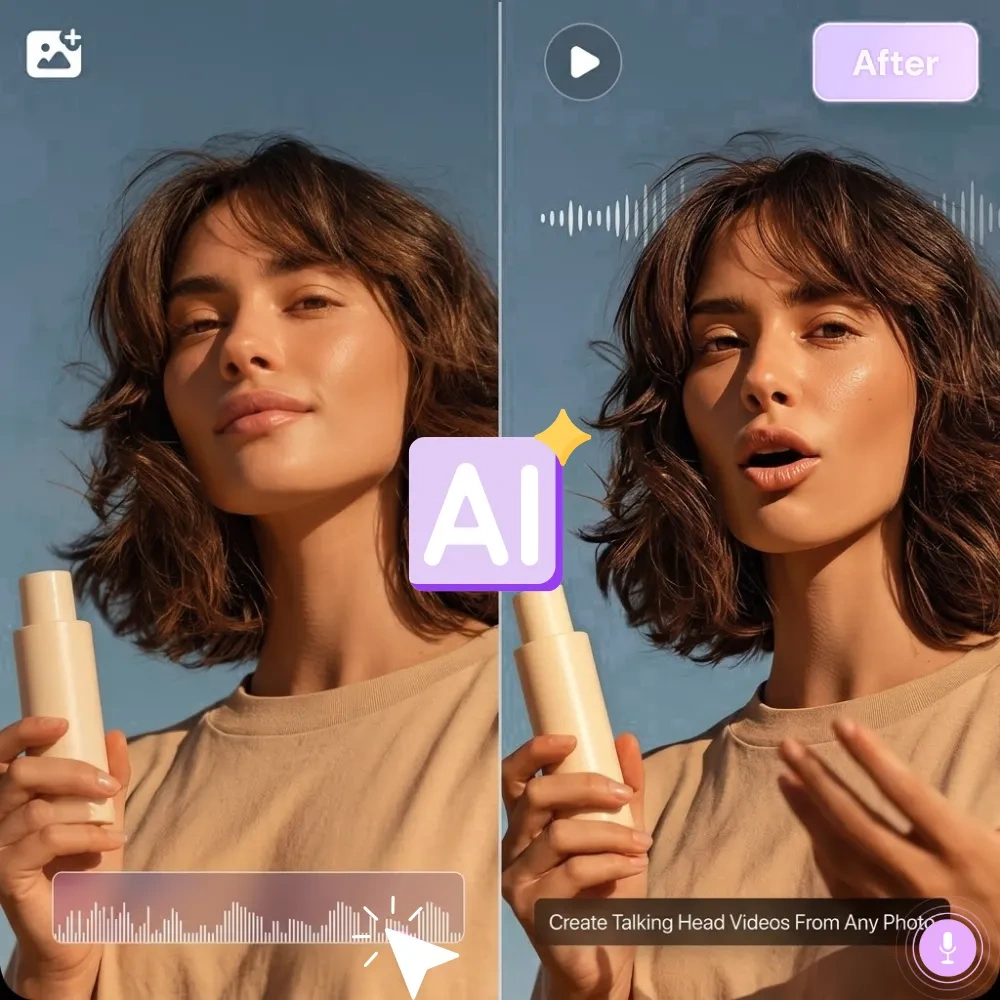
Build professional talking-head videos for tutorials, product demos, announcements, and social content with a free talking avatar maker. Lip Sync AI keeps your avatar identity consistent while generating smooth expressions and clear delivery, helping creators produce high-quality videos faster with an AI talking avatar.
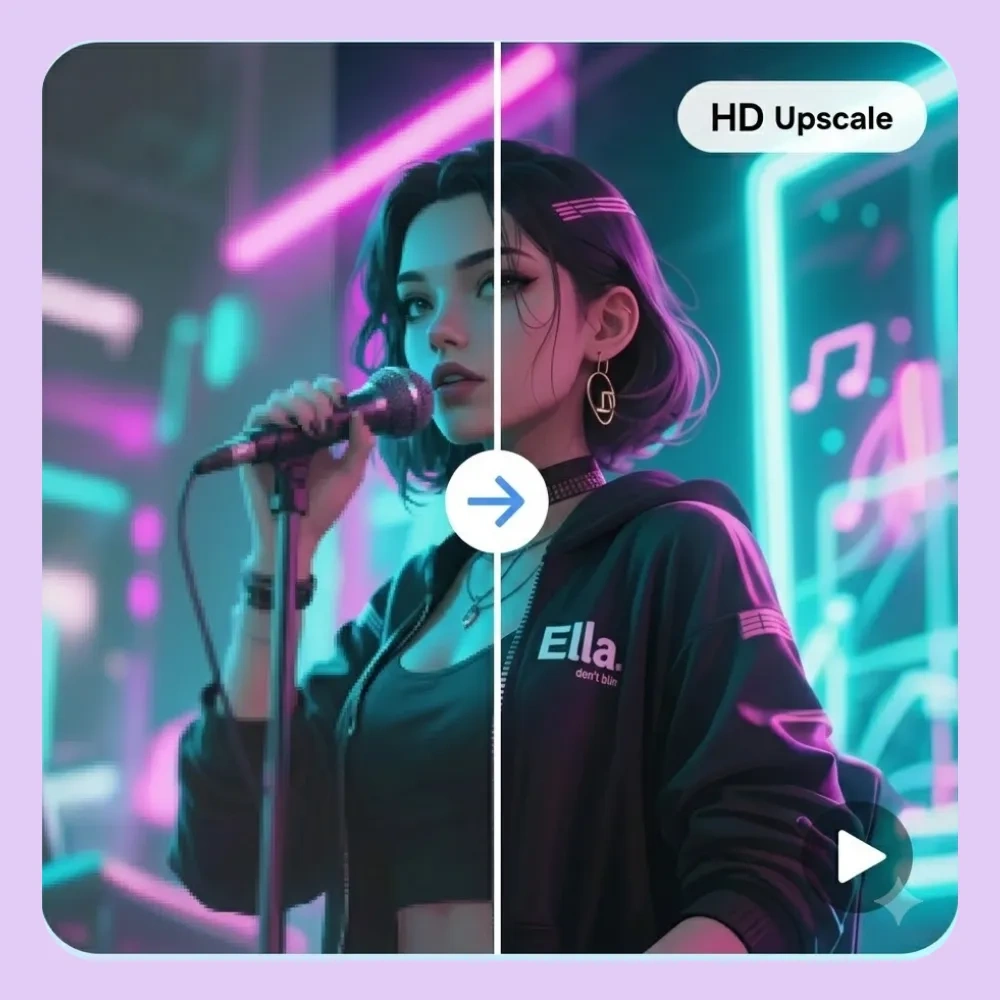
A talking avatar generator combines a visual source with speech to produce an animated speaking video.
Upload a supported photo or select an available avatar.
Enter text for AI voice generation, upload audio, or record your voice.
The system synchronizes speech with avatar mouth movements and facial animation.
The system generates a talking avatar video for you to preview.
Download the generated video using the available export option.
A talking avatar generator offers an alternative to traditional presenter recording. The best choice depends on your content, production requirements, and the level of real-world authenticity you need.
| Consideration | Talking Avatar Generator | Traditional Video Recording |
|---|---|---|
| Starting material | A supported image or avatar plus speech | Recorded footage of a presenter |
| On-camera recording | Not required for photo-based creation | Usually required |
| Script updates | Generate a revised video from updated content | May require another recording session |
| Production process | AI-assisted speech synchronization and animation | Filming, editing, and post-production |
| Suitable projects | Tutorials, announcements, and repeatable explainers | Live demonstrations, interviews, and real-world footage |
A talking avatar is especially useful when you need repeatable presenter-style videos without filming each update.
Traditional recording remains a better fit for content that depends on real-world demonstrations, spontaneous interaction, or a person's actual performance.
Maya
Course Creator
I needed a repeatable host for short tutorials. The talking avatar format lets me update the script without booking another recording session.
Colin
Support Lead
Our support team uses an AI talking avatar for simple walkthroughs. Customers get a face-led answer, and we can revise the message when the product changes.
Priya
Social Marketer
The free talking avatar maker path helped me test an intro before committing to a polished campaign clip. It was useful for checking tone and pacing first.

Jordan
Content Manager
Text input is the biggest time saver for us. We can turn a short announcement into a presenter video and keep the brand voice consistent.

Ethan
Product Marketer
I use the AI talking avatar generator to create product demo videos faster. The ability to update scripts and keep the same presenter style makes content production much easier.

Sophia
Small Business Owner
I was exploring how to create a talking AI avatar for my brand videos. The workflow was simple, and the results helped me create more engaging content without extra production work.
A talking avatar is a digital character or portrait animated to speak using text-to-speech or audio input. A talking avatar generator uses AI to synchronize speech with mouth movements and facial animation, turning a still photo or digital avatar into a talking video.
Yes, Lip Sync AI offers a free way to create talking avatar videos online. Free usage is subject to the current credit allowance, generation limits, and feature availability, so check the interface for the latest restrictions.
Yes, you can start creating talking avatar videos with Lip Sync AI without registering an account. Available features and usage limits may vary depending on the creation method and current product settings.
You can use a photo or available digital avatar as the visual input, then add text, upload an audio file, or record your voice if the recording option is available. Text-to-speech converts your script into spoken audio, while uploaded or recorded audio lets you use an existing voice.
Creating a talking avatar video takes three steps:
1. Upload a portrait or select an available avatar.
2. Enter text, upload audio, or record your voice if supported.
3. Generate the video, preview the result, and download it using the available export option.
Use a clear, well-lit portrait with the face fully visible and minimal obstructions. Front-facing images generally provide a useful starting point for facial animation, while blurry photos or heavily covered faces may affect the result.
Talking avatar videos can be used for social media content, online courses, training materials, product introductions, and customer onboarding. Choose a format and script that suit your audience, platform, and communication goals.
Yes, you can enter a script and use AI text-to-speech to generate speech for your talking avatar, provided the feature is available in your selected workflow. The AI then synchronizes the avatar's mouth movements with the generated audio to create a talking video.
Yes, you can download your generated talking avatar video using the available download or export option. Availability and any applicable restrictions depend on the current product features and usage rules.
Commercial use depends on the applicable product terms and the rights associated with your source images, audio, scripts, and other assets. Before using a generated video in advertising, marketing, or other commercial projects, make sure you have the necessary permissions and comply with the relevant terms.
Create a talking avatar video from a photo, text, or audio with Lip Sync AI. Start online without signing up, use AI text-to-speech or your own voice, and generate a presenter-style video for social media, education, marketing, or business communication.