
Nano Banana 2

Upload one reference image, then describe what should change and what should stay. Flux Kontext Pro edits from that frame instead of starting from a blank canvas.
Inspiration
Hover over an example and create a similar image from its model, prompt, and reference image.
Bring a photo you can use, then write the edit. Flux Kontext Pro on Lip Sync AI takes a single reference image and follows a text brief for a background swap, a material change, or a style shift. Match the input frame or pick a new ratio, then review the still before another pass.
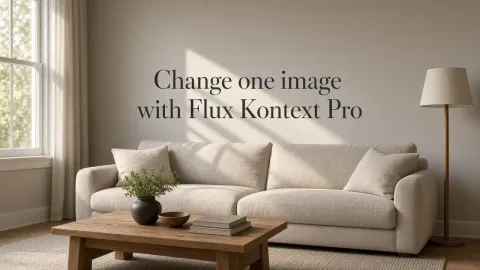


Keep the object and camera angle. Replace a busy background or even out the lighting before a listing layout.
Change materials, time of day, or palette while holding the room layout in place.
Finish the look of a frame first, then upload the still separately when you want to explore motion.
Find another model for your next idea, or explore our image and video creation tools.
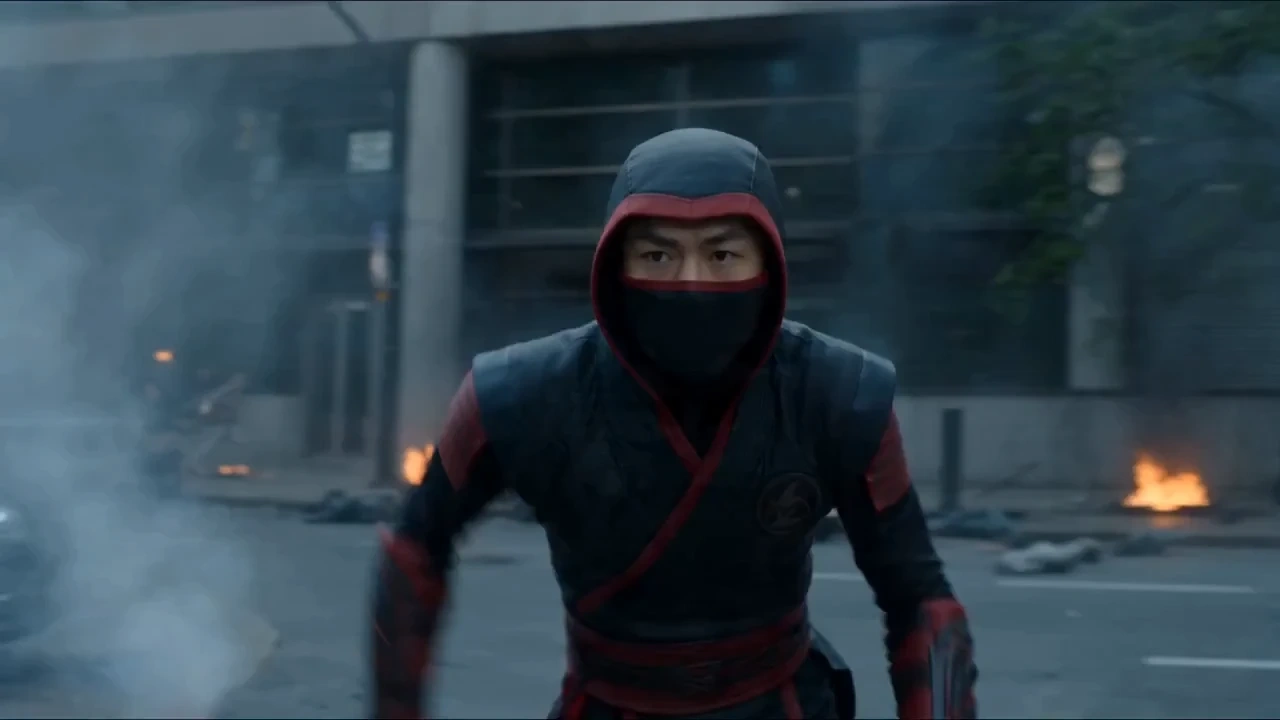
Create videos up to 30 seconds from text or a single image.
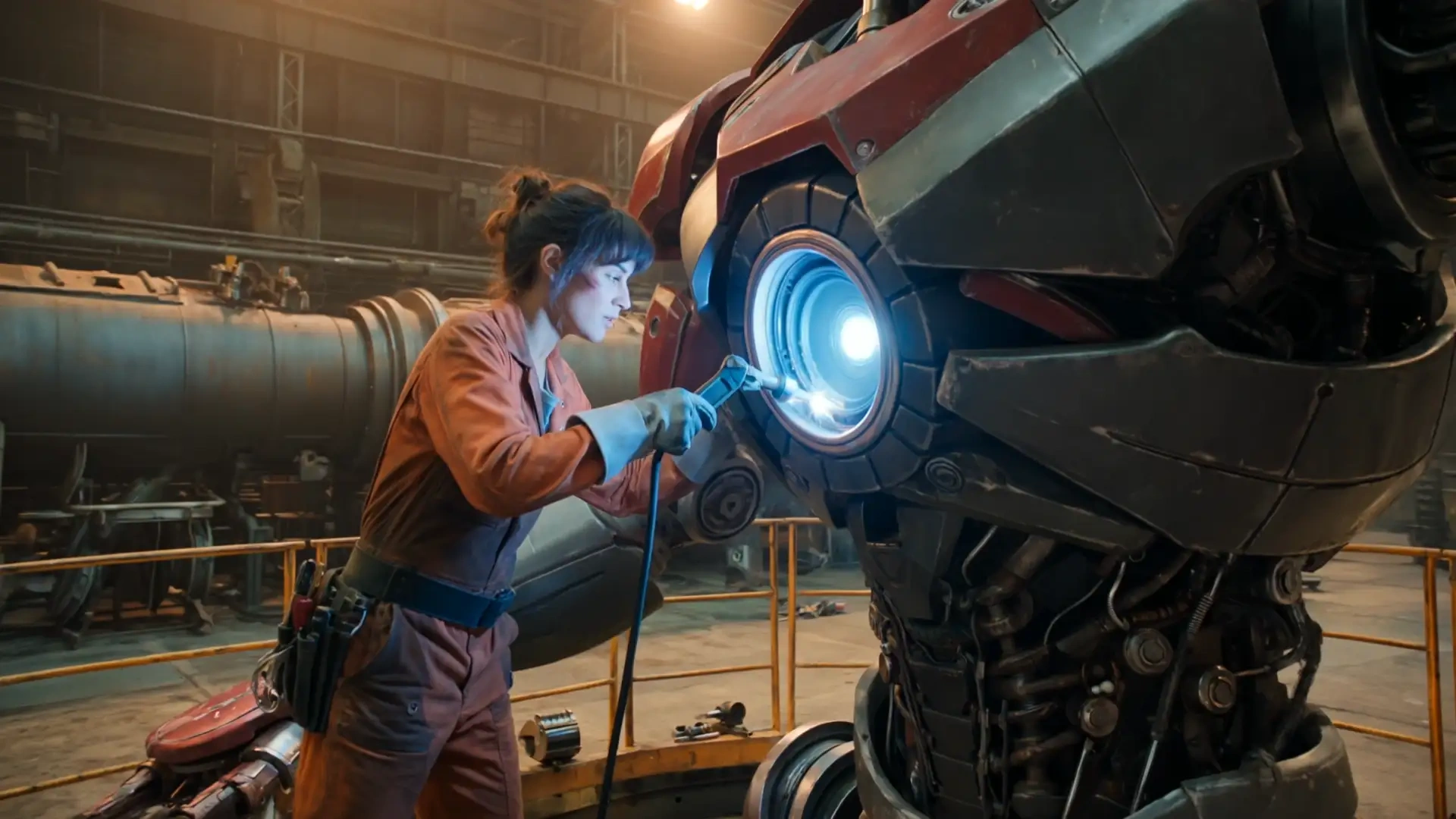
Explore Kling 3.0 for your next AI video concept.
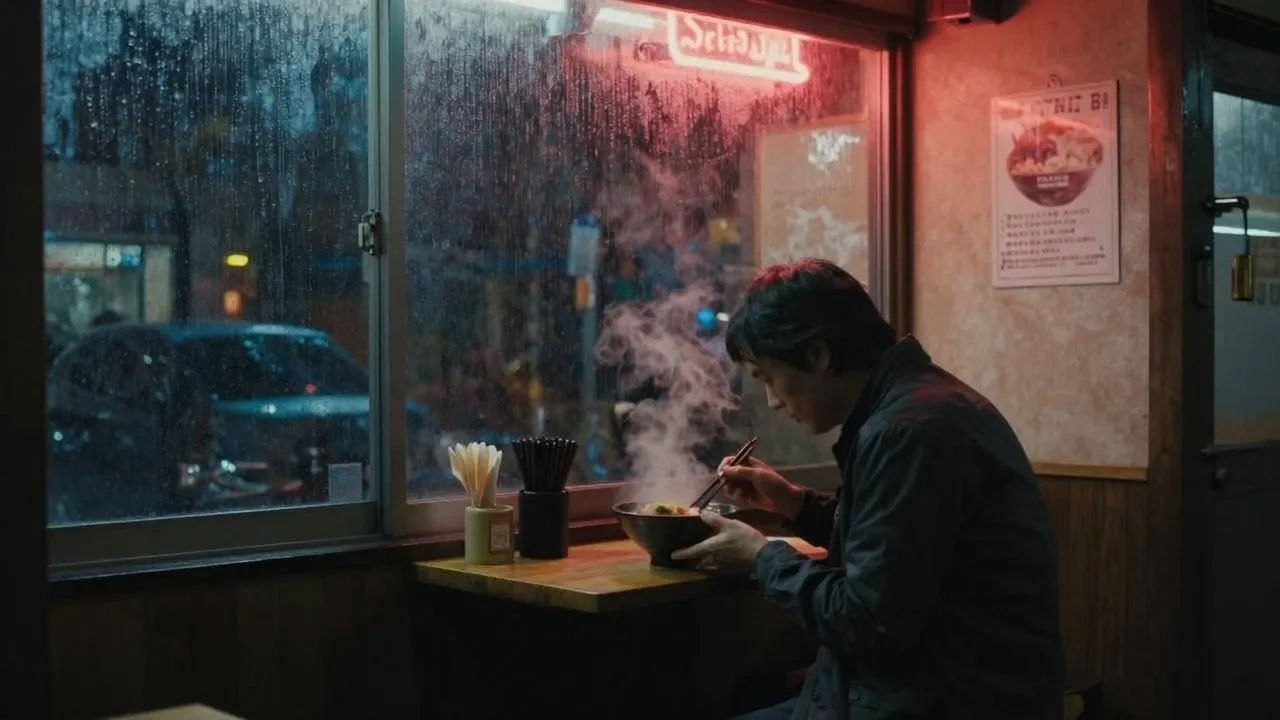
Discover another starting point for AI video creation.

Explore image creation with GPT Image 2.5.
Try a new visual idea with Nano Banana 2.
Explore image concepts with Seedream 5 PRO.
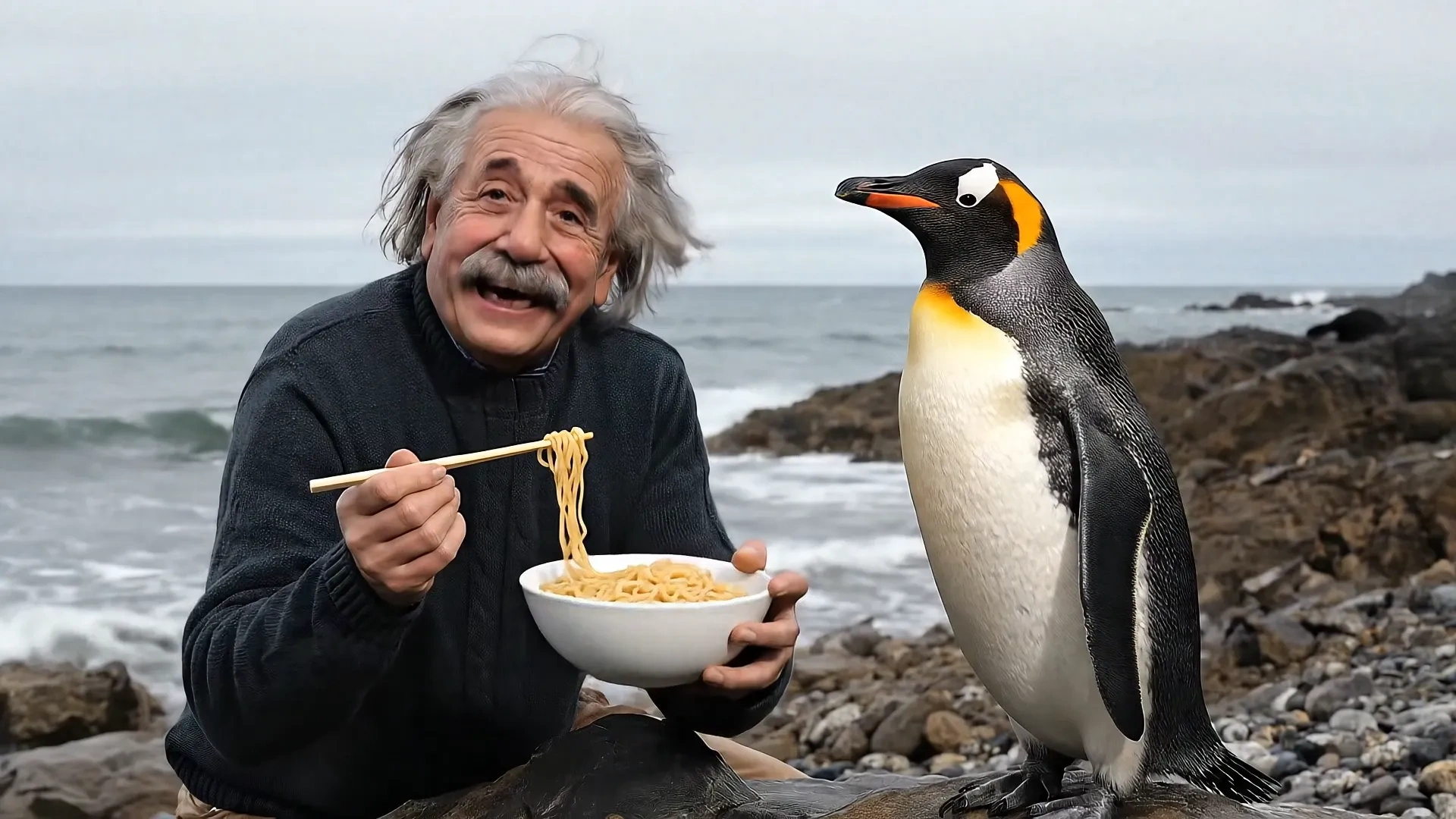
Create 4, 6, or 8 second videos with Veo 3.1.
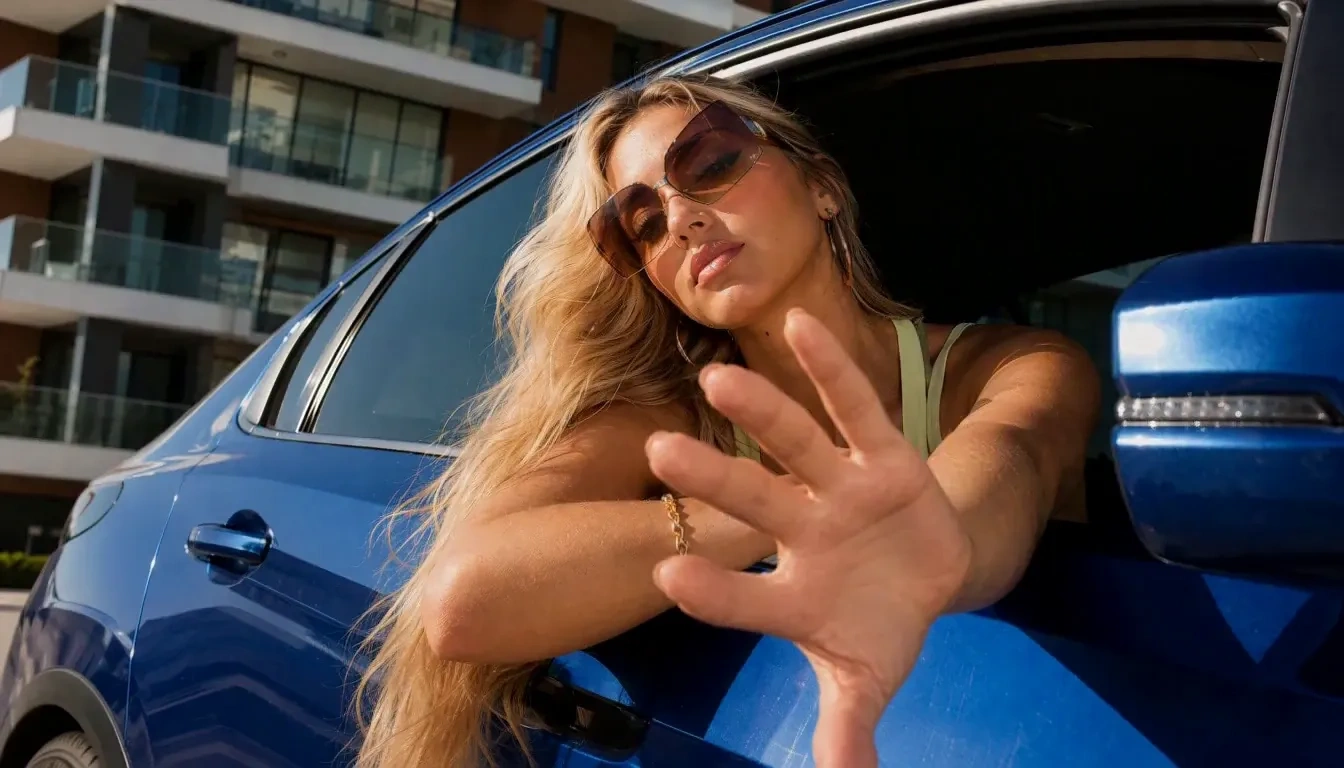
Explore 4–15 second clips at 768p or 2K.
Create videos up to 30 seconds with Grok Imagine.
Create images with Nano Banana Pro.
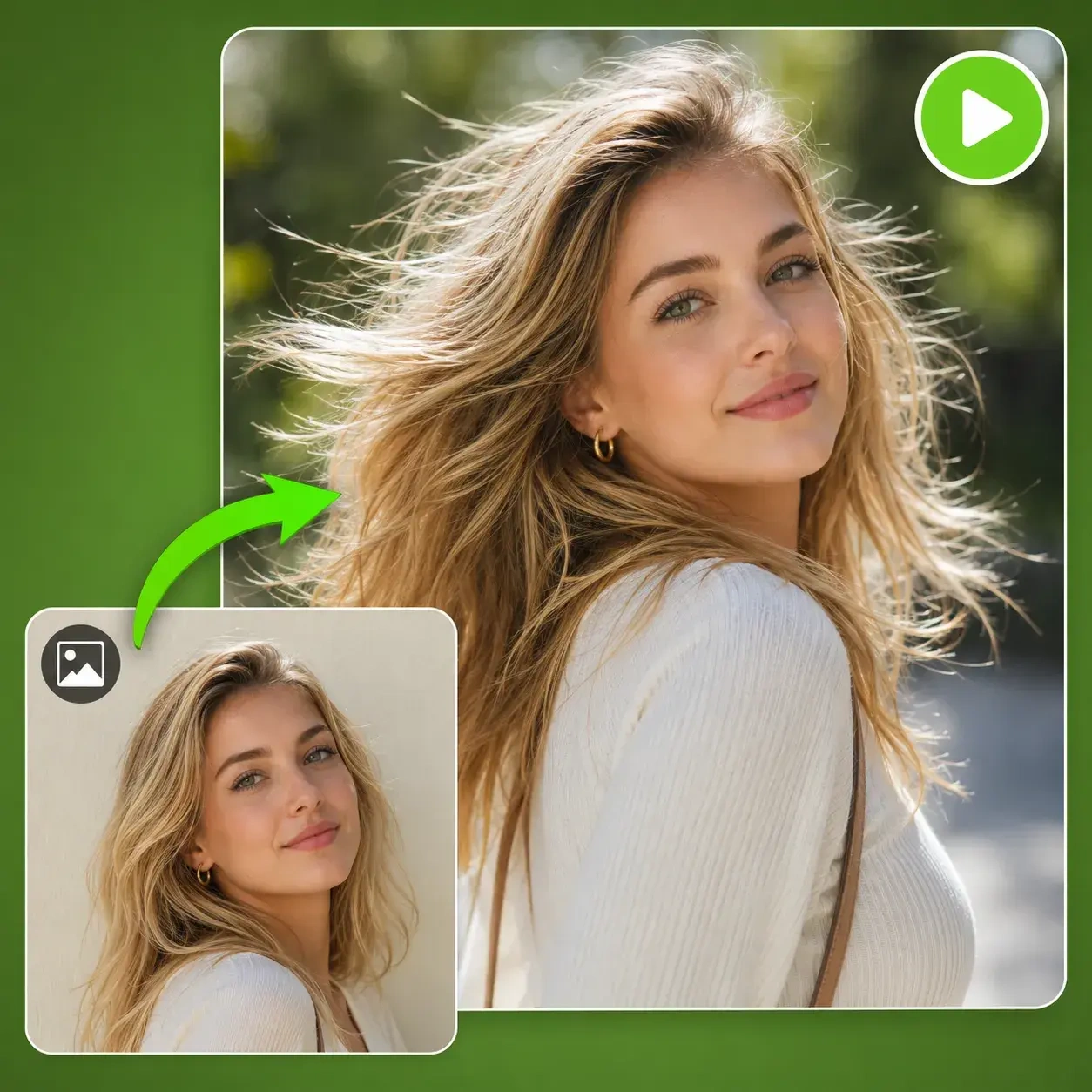
Start with a still image and explore video generation.
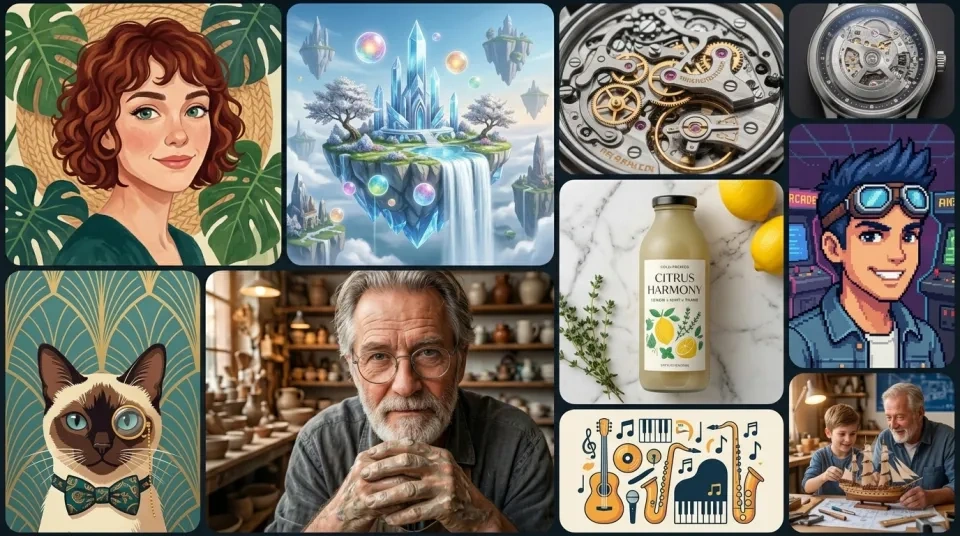
Create an image for your next visual project.