
0:05
A studio news anchor delivers a headline with subtle camera motion...

Create a 4, 6, or 8 second clip from text or a single image. Choose 720p, 1080p, or 4K, and compose in 16:9 or 9:16 with Veo 3.1.
48 credits
Paid credits only.
Paid credits only.
History
My Creations
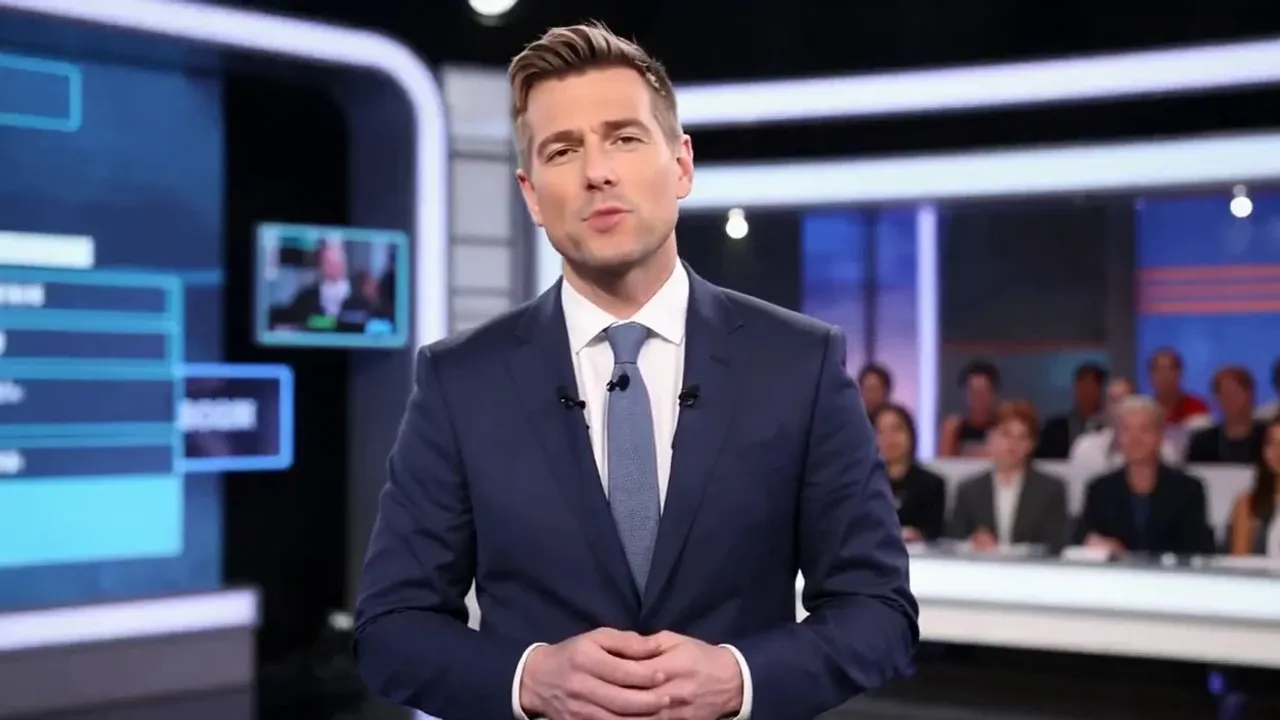

Give a landscape beat, a product moment, or a portrait action a first visual take. Veo 3.1 on Lip Sync AI lets you start from text or a single image, choose 4, 6, or 8 seconds, and select 720p, 1080p, or 4K. Compose in 16:9 or 9:16, then review the clip before you plan a longer edit.
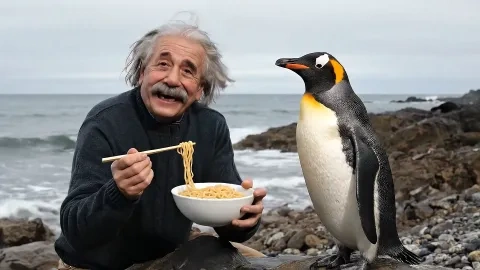


Explore a landscape, interior, or weather beat as a short clip. Describe one camera move and keep the action focused on a single moment.
Upload a product still and describe a restrained camera move. Review the clip before using it in a larger campaign edit.
Compose in 9:16 for a portrait placement. Keep the subject clear in the frame and check the result before adding final messaging.
Find another model for your next idea, or explore our image and video creation tools.
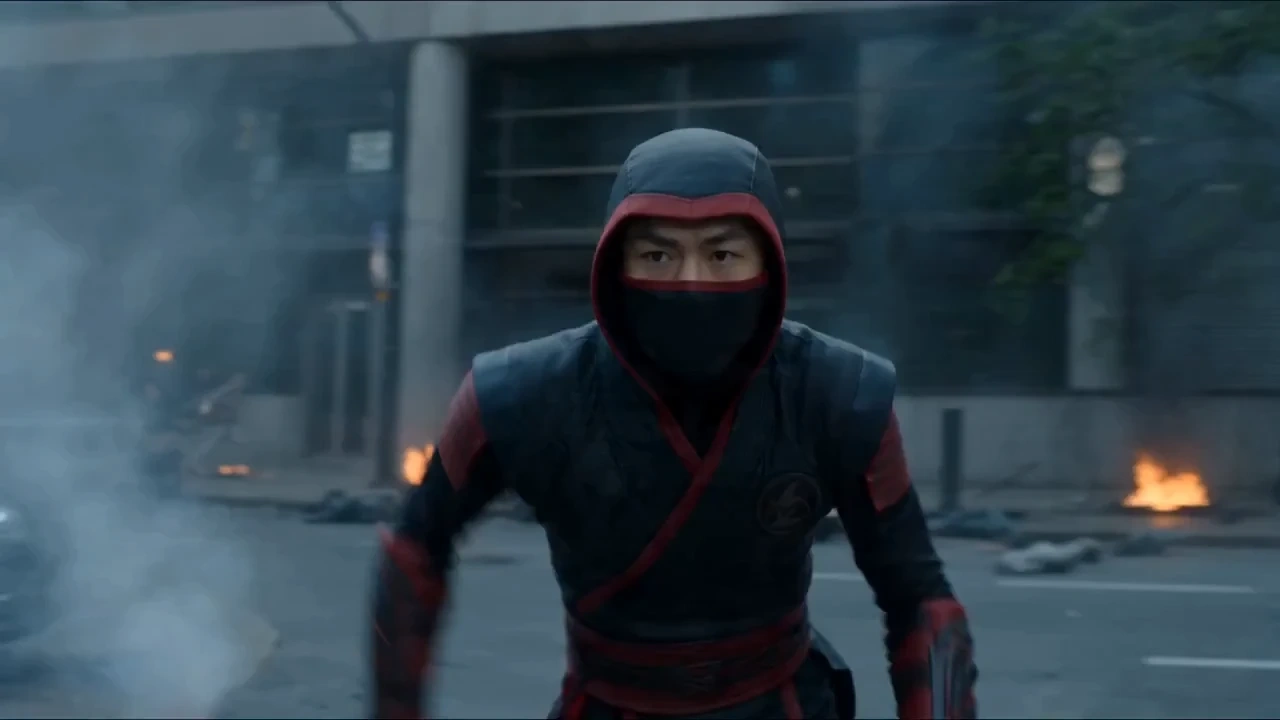
Create videos up to 30 seconds from text or a single image.
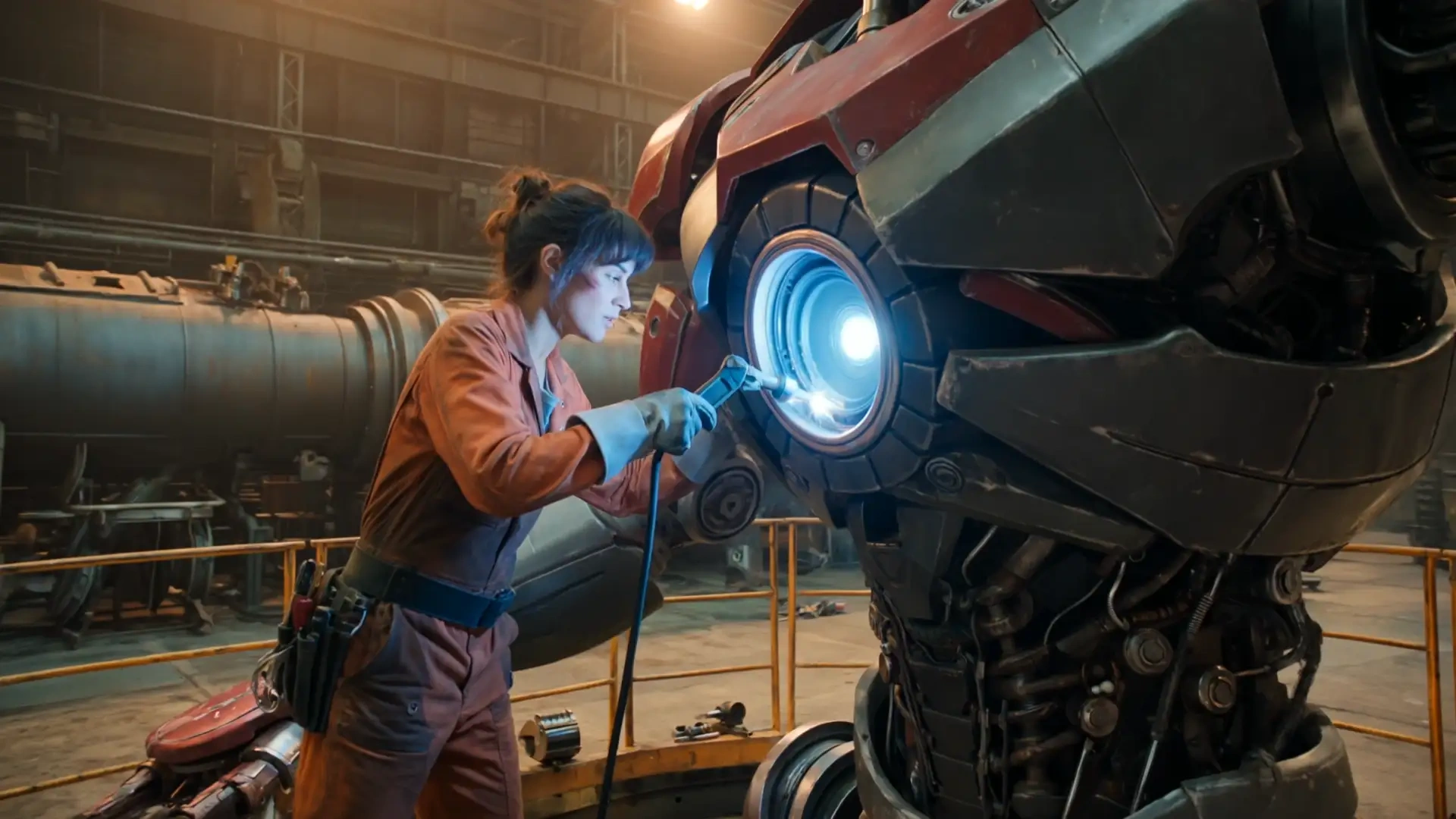
Explore Kling 3.0 for your next AI video concept.
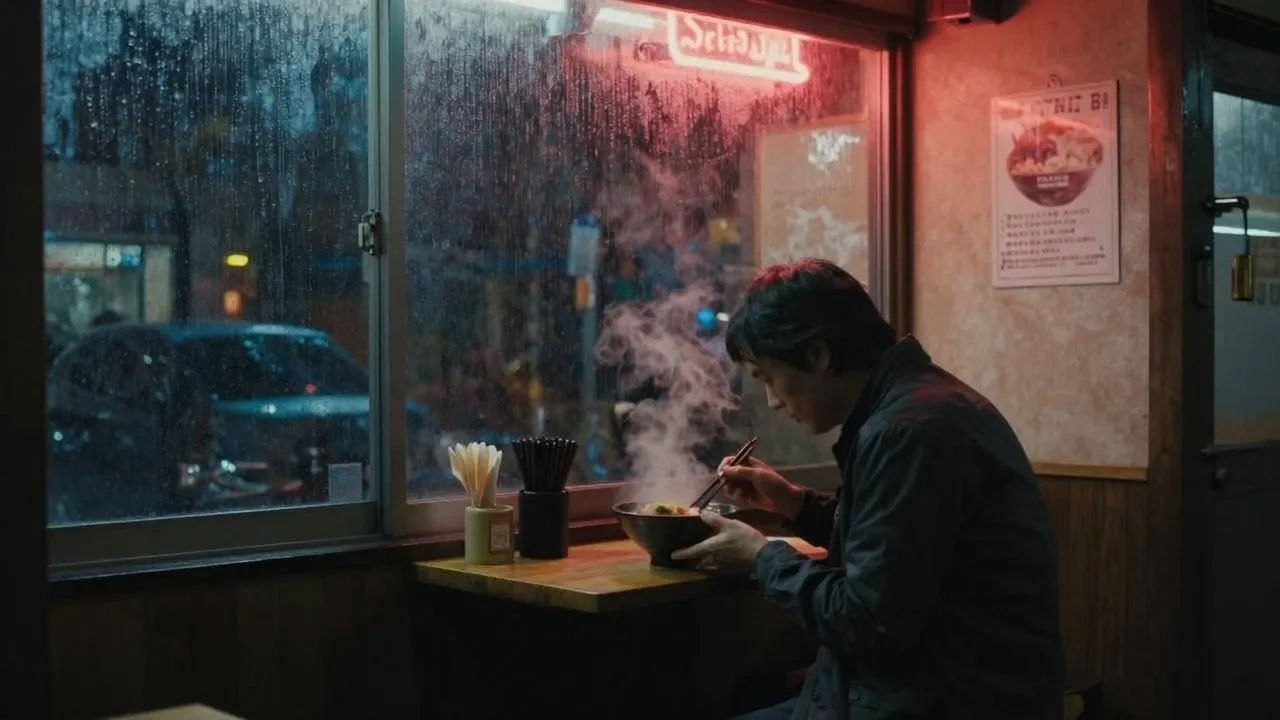
Discover another starting point for AI video creation.
Explore image creation with GPT Image 2.5.
Try a new visual idea with Nano Banana 2.
Explore image concepts with Seedream 5 PRO.
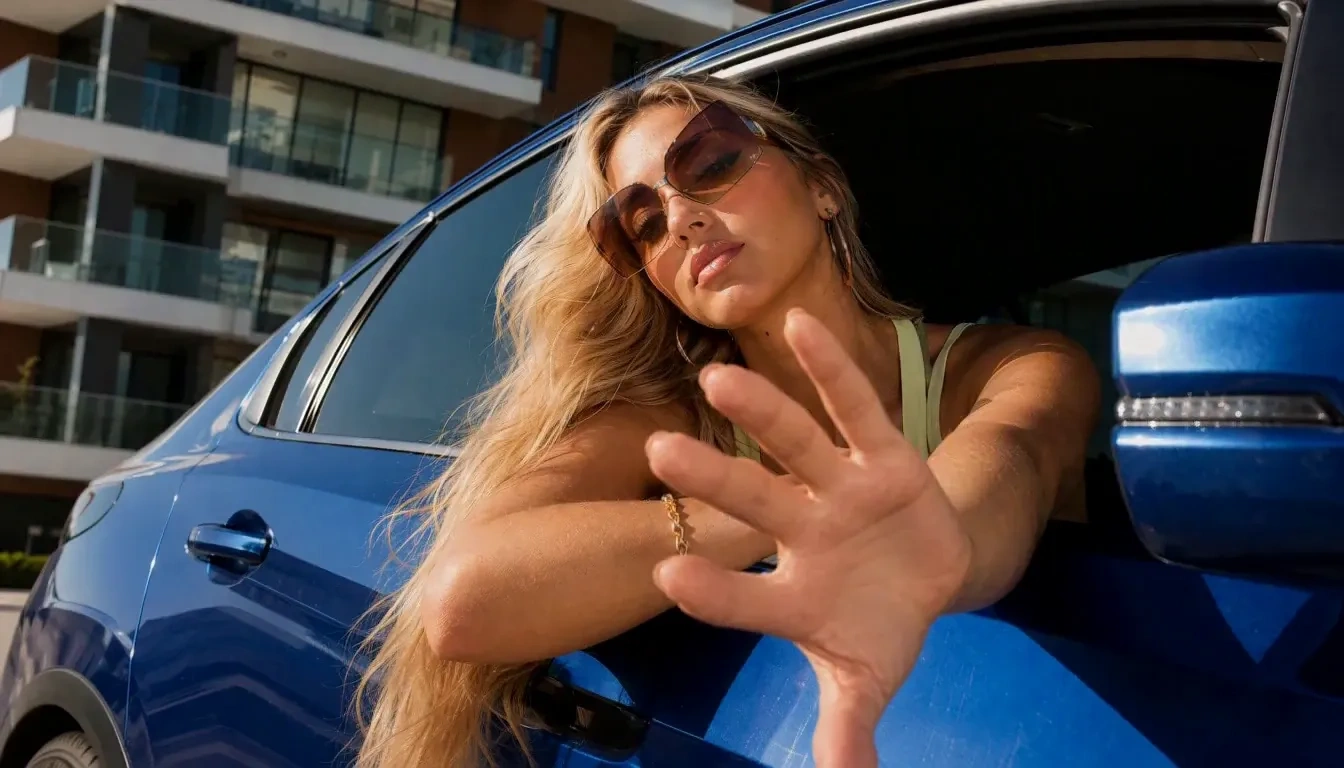
Explore 4–15 second clips at 768p or 2K.
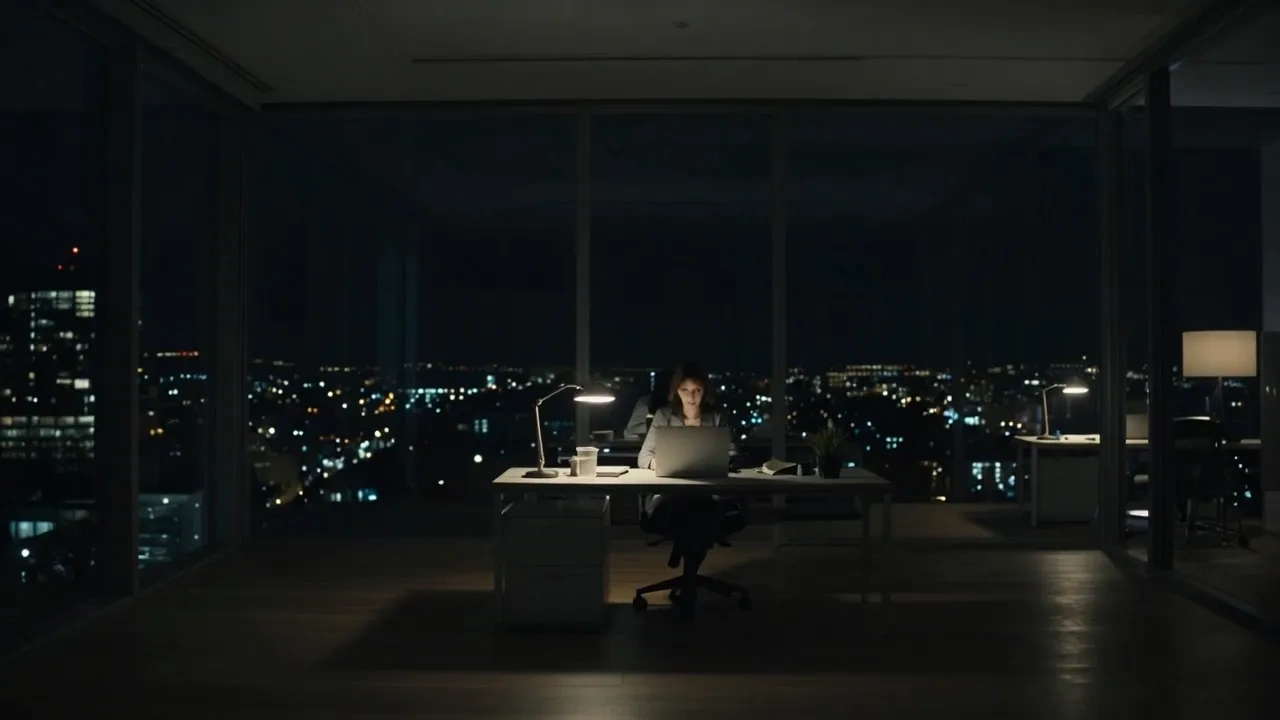
Create videos up to 30 seconds with Grok Imagine.
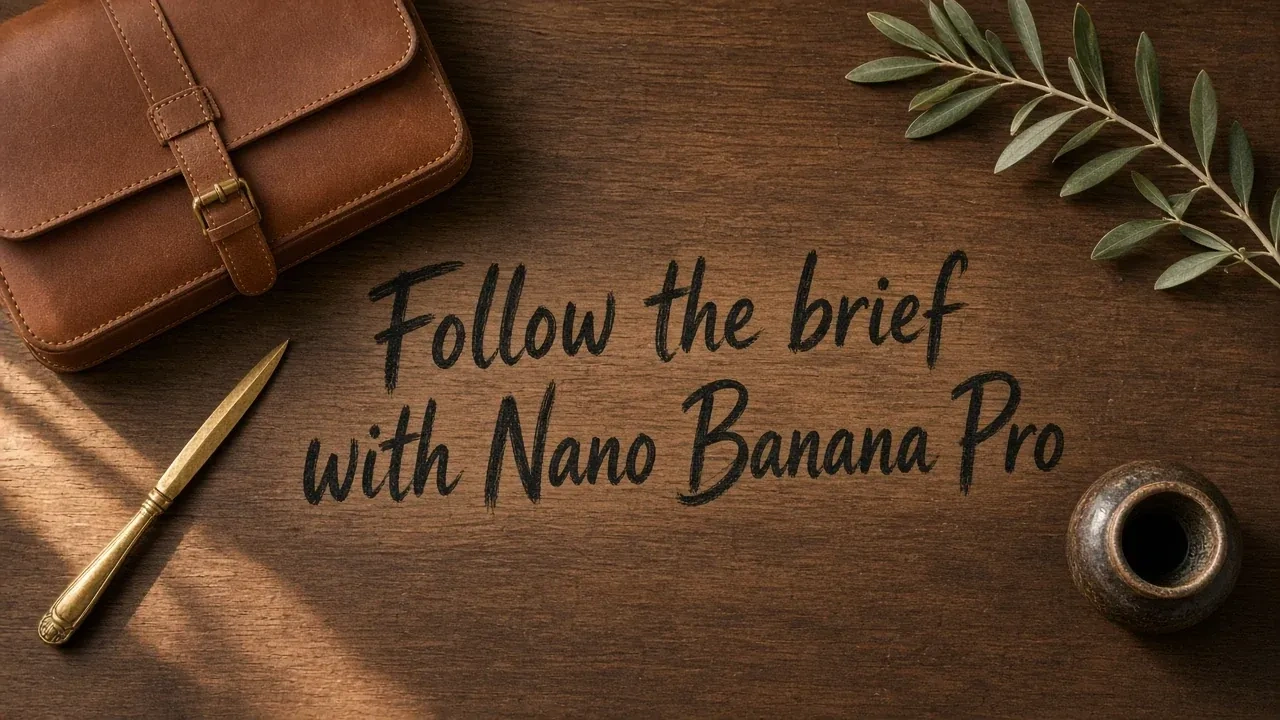
Create images with Nano Banana Pro.
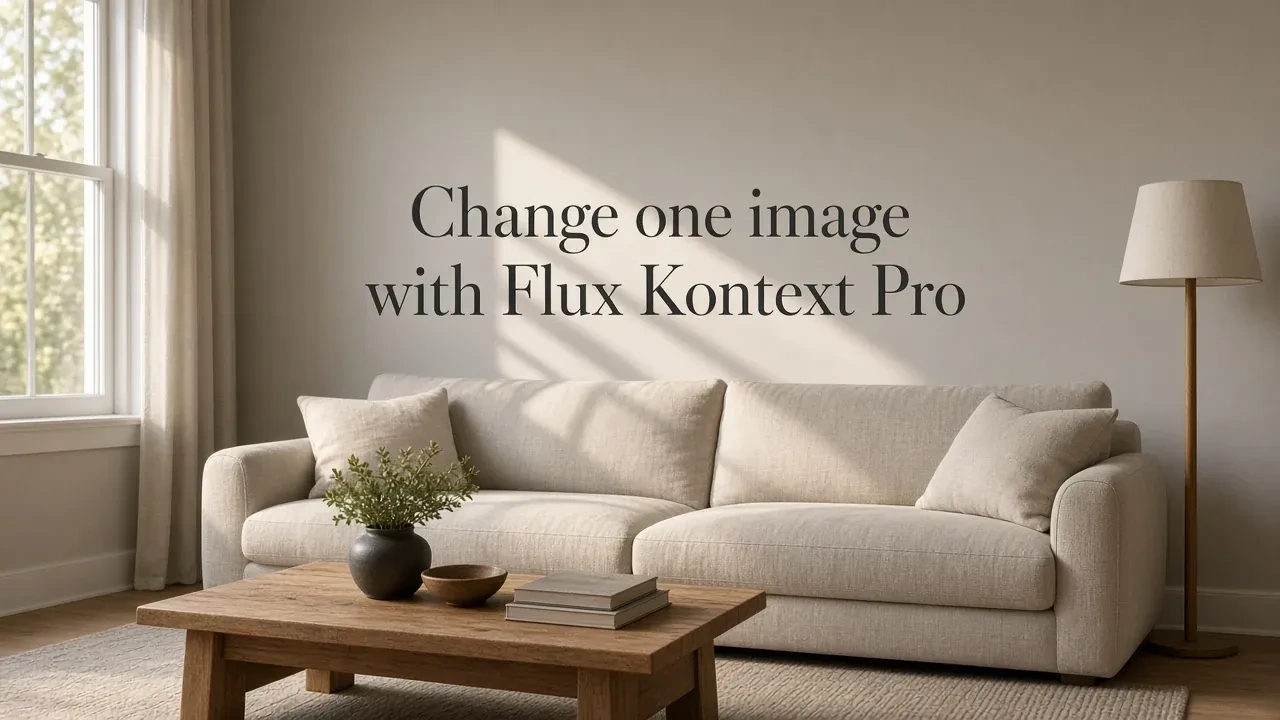
Edit an image from a single reference.
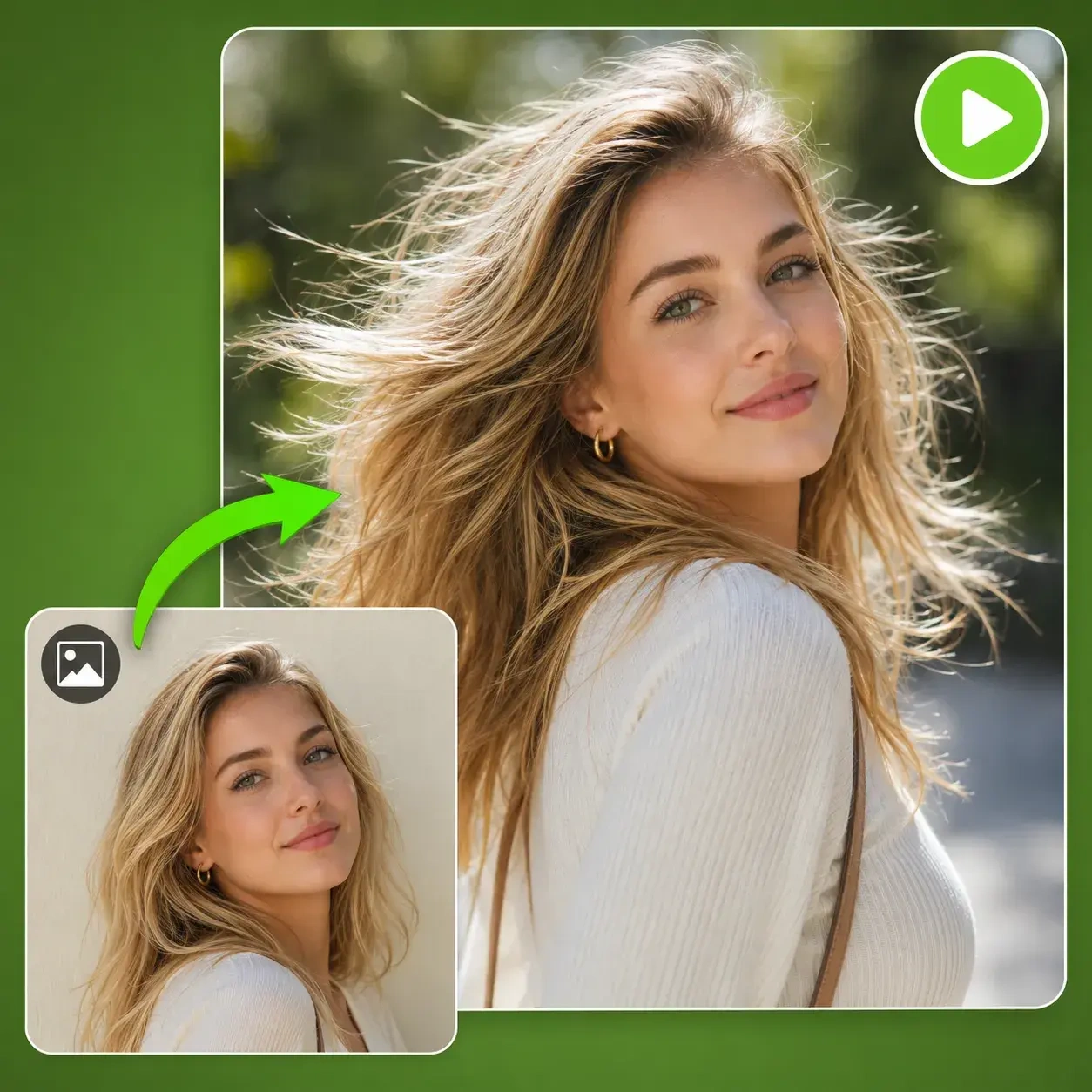
Start with a still image and explore video generation.
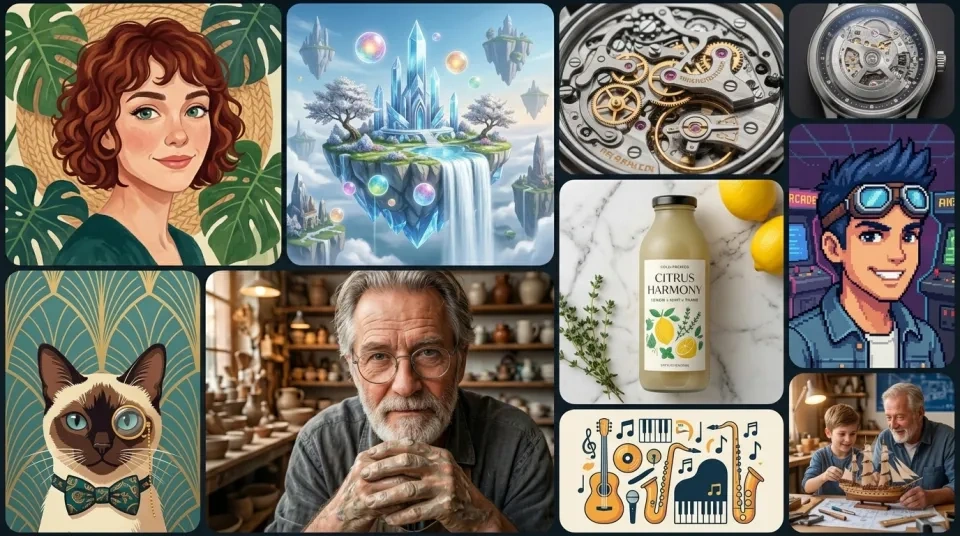
Create an image for your next visual project.