
0:05
A studio news anchor delivers a headline with subtle camera motion...

Create a 4–15 second clip from text or a single image. Choose 768p or 2K with MiniMax H3, then preview the motion before your next pass.
24 credits
Paid credits only.
Paid credits only.
History
My Creations
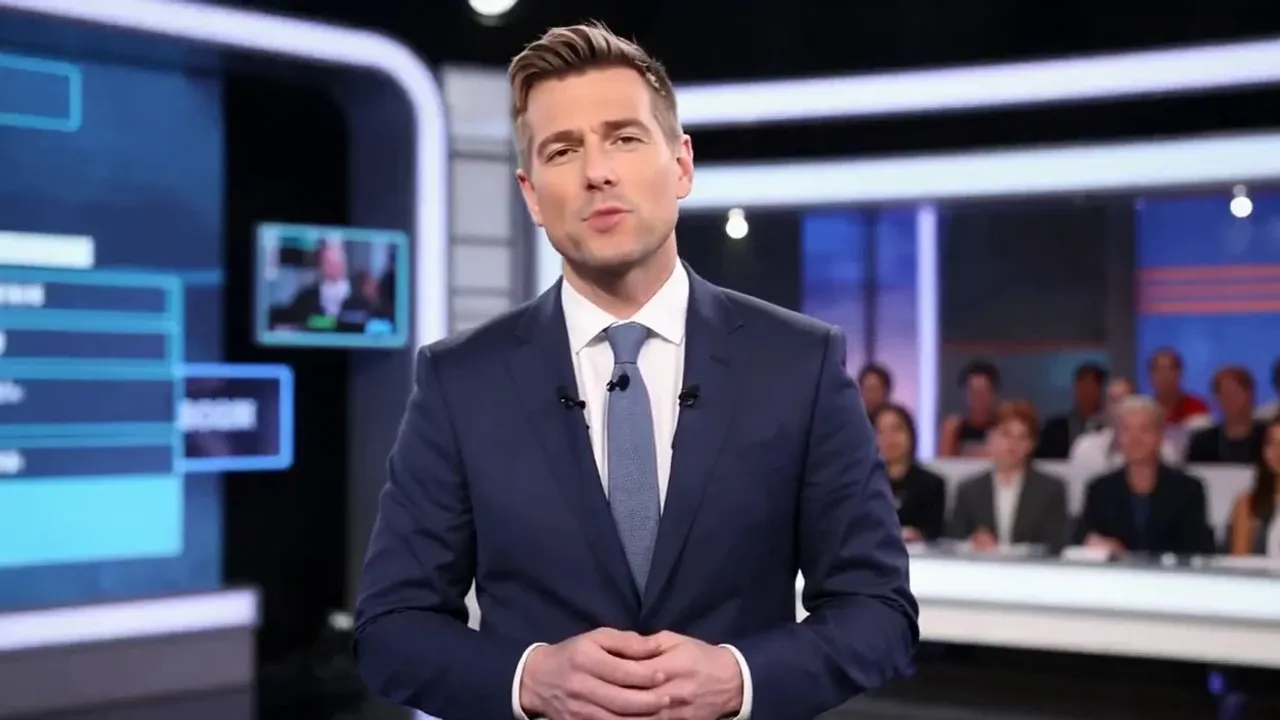

Explore a product reveal, a character action, or a moving environment as a 4–15 second video. MiniMax H3 on Lip Sync AI lets you begin with text or a single image, choose 768p or 2K, and review the take before you plan a longer edit.
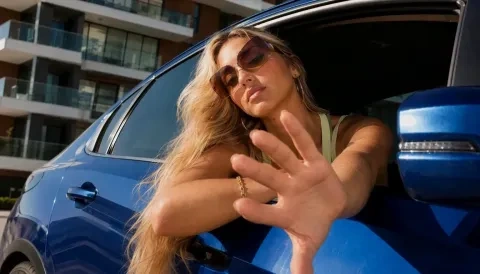


Upload a product still and describe one camera move. Review the clip before using it in a larger campaign edit.
Try a short action that introduces a character or a setting. Keep the scene focused on one beat.
Use 9:16 or 1:1 in text-to-video when you are exploring a vertical or square placement.
Find another model for your next idea, or explore our image and video creation tools.
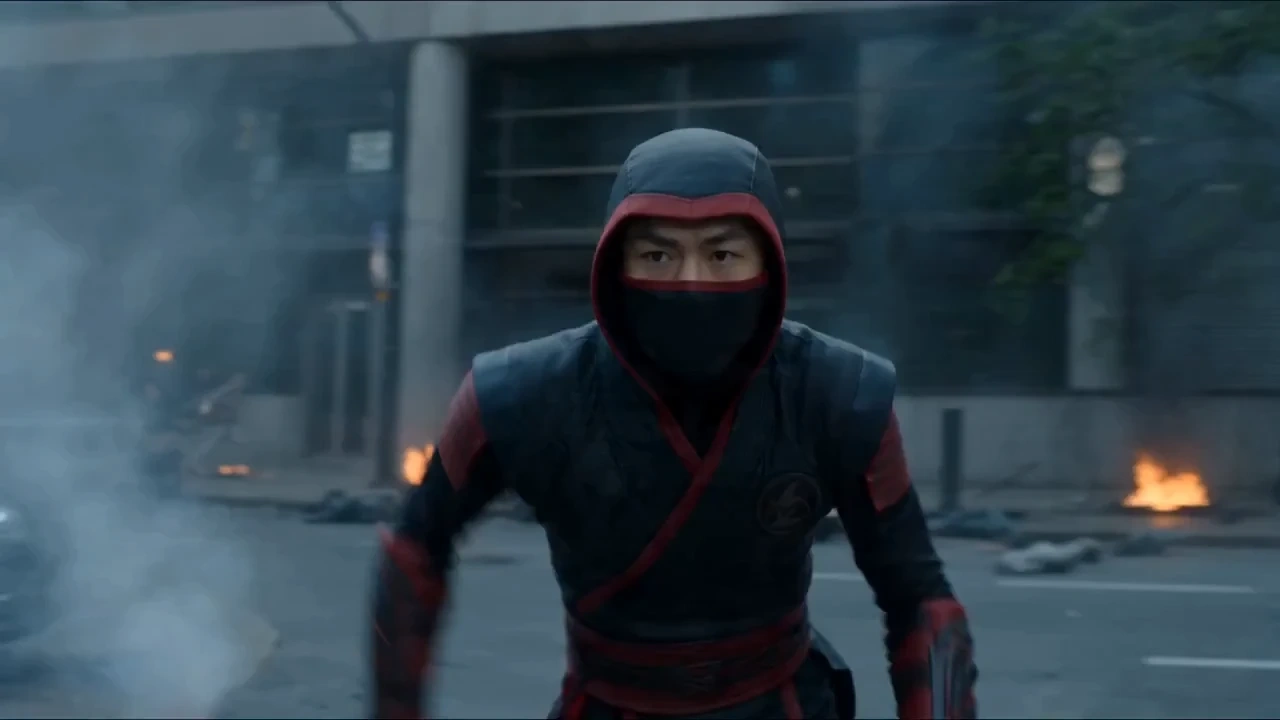
Create videos up to 30 seconds from text or a single image.
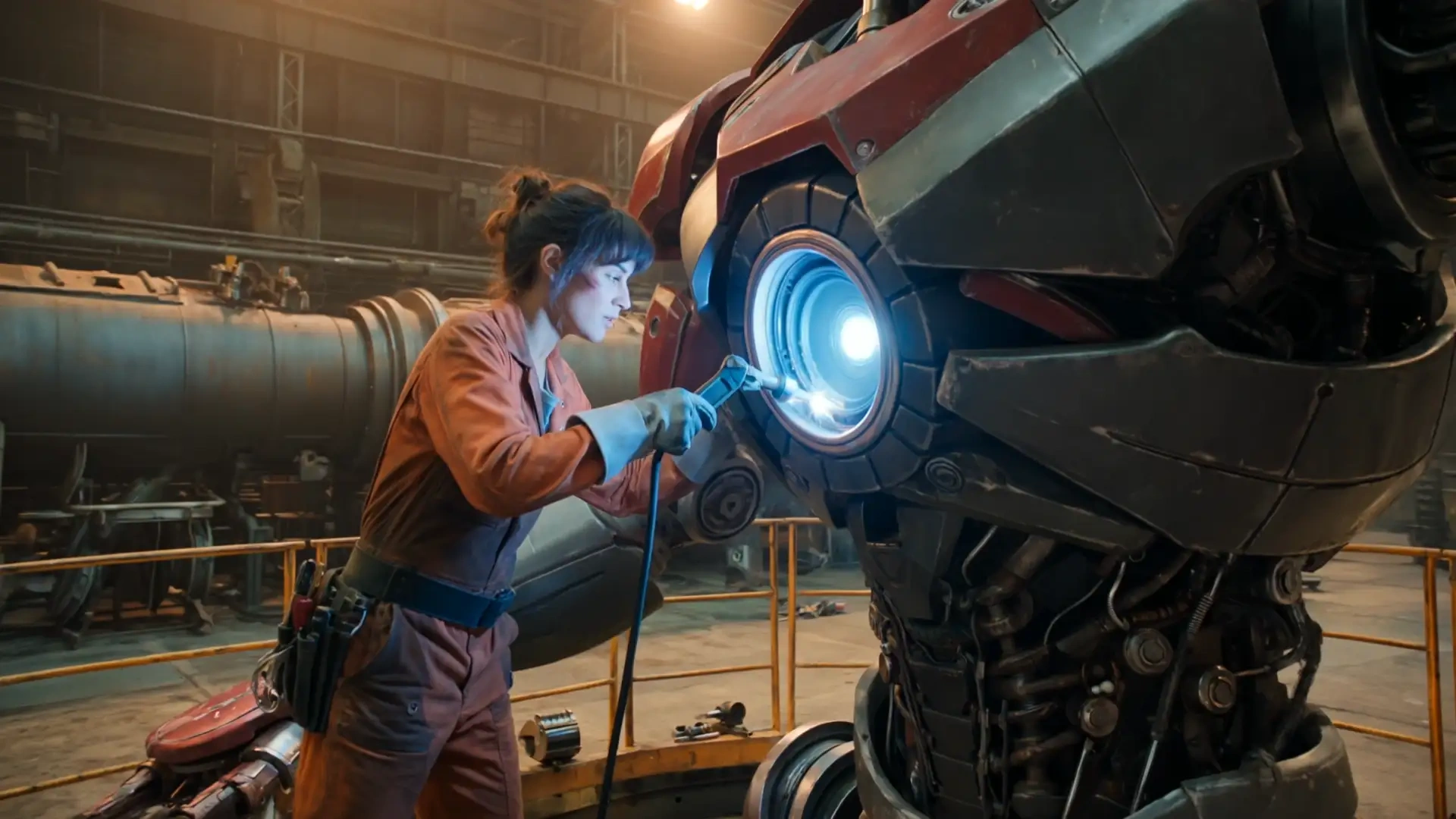
Explore Kling 3.0 for your next AI video concept.
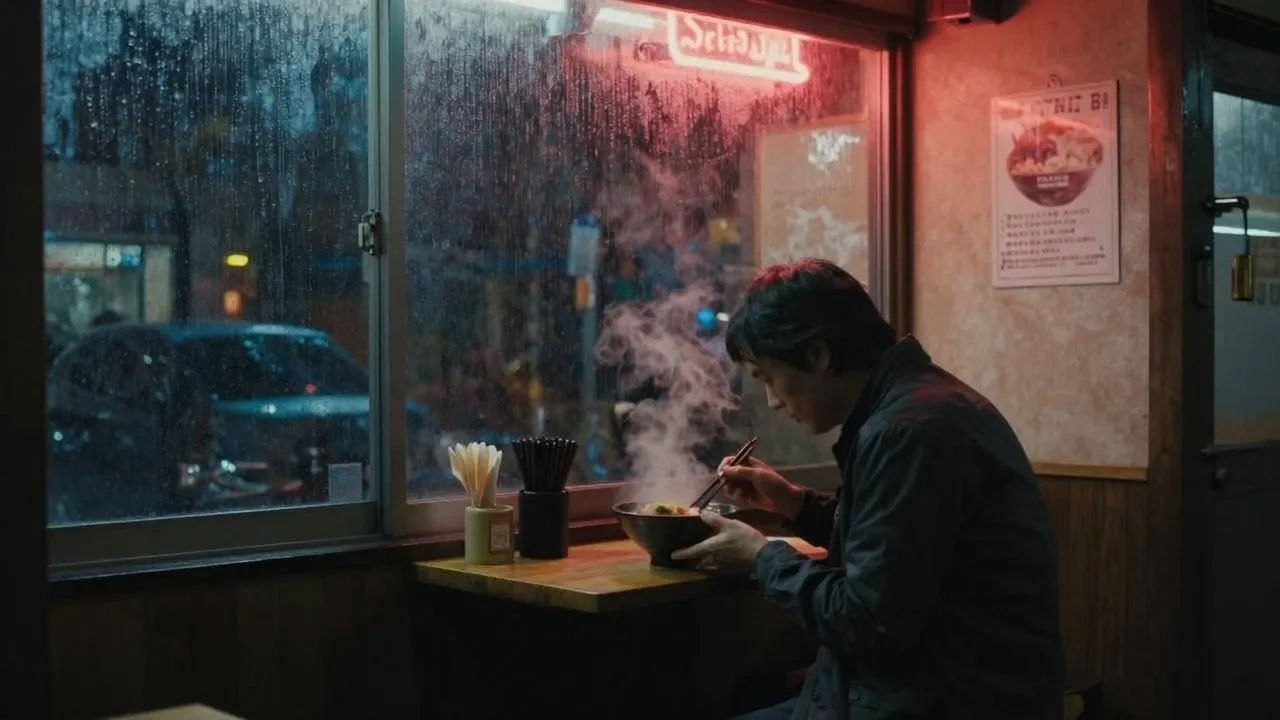
Discover another starting point for AI video creation.
Explore image creation with GPT Image 2.5.
Try a new visual idea with Nano Banana 2.
Explore image concepts with Seedream 5 PRO.
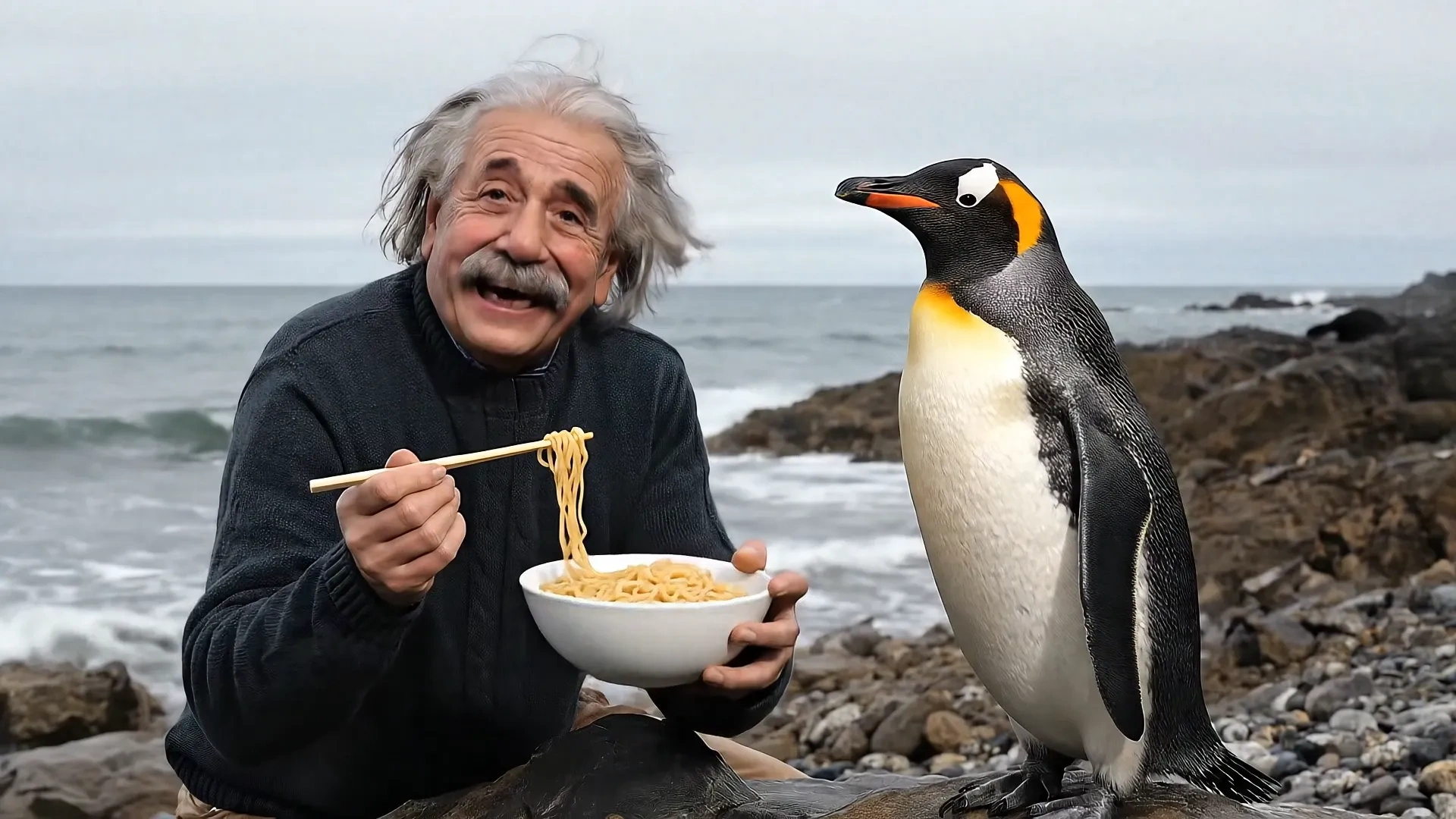
Create 4, 6, or 8 second videos with Veo 3.1.
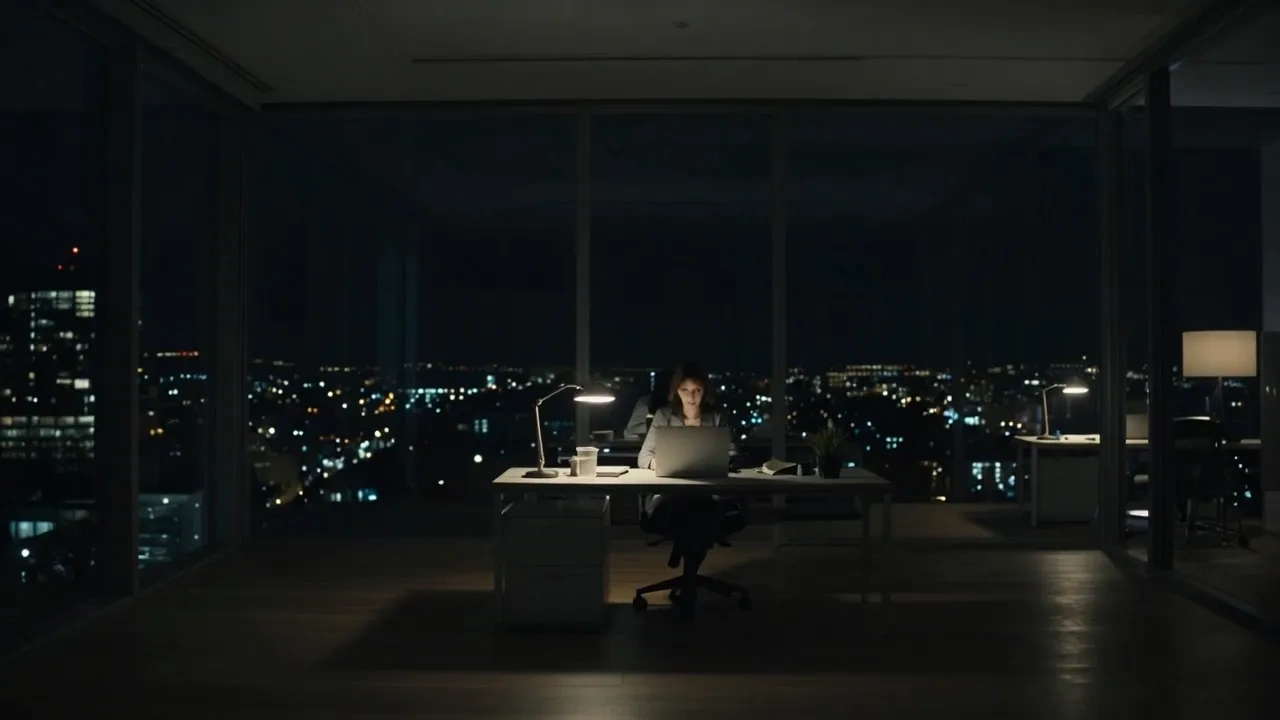
Create videos up to 30 seconds with Grok Imagine.
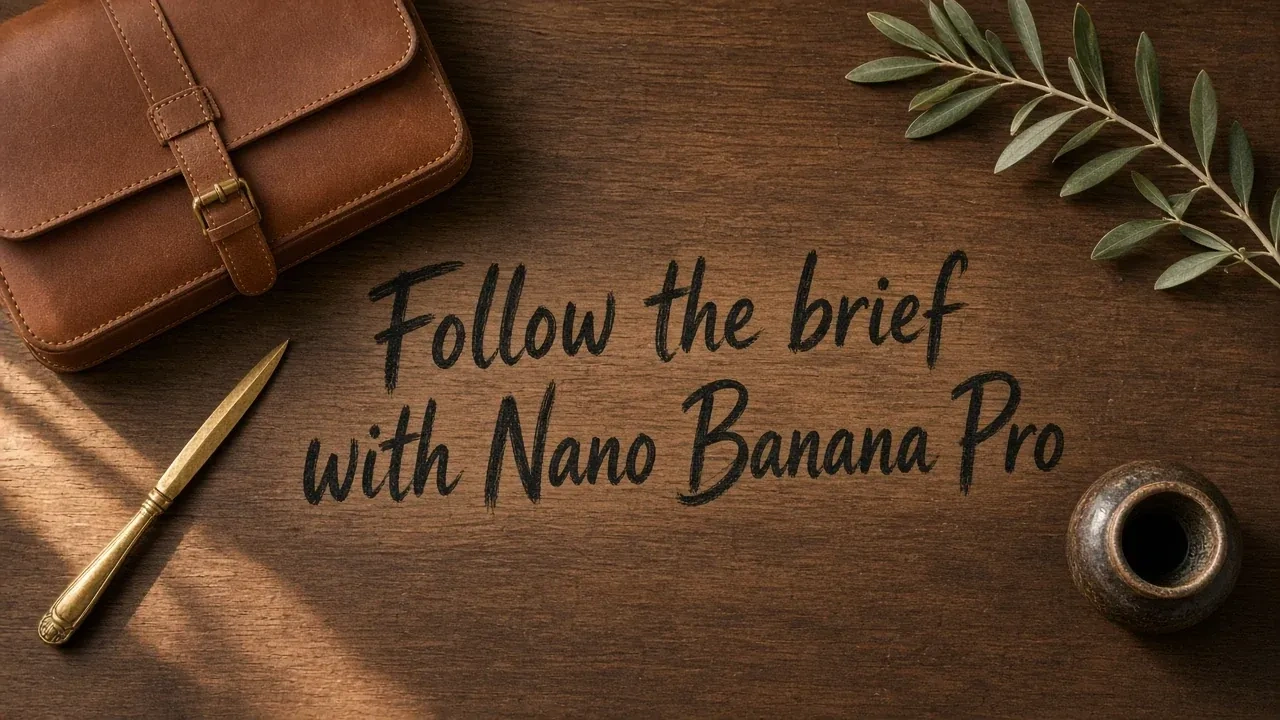
Create images with Nano Banana Pro.

Edit an image from a single reference.
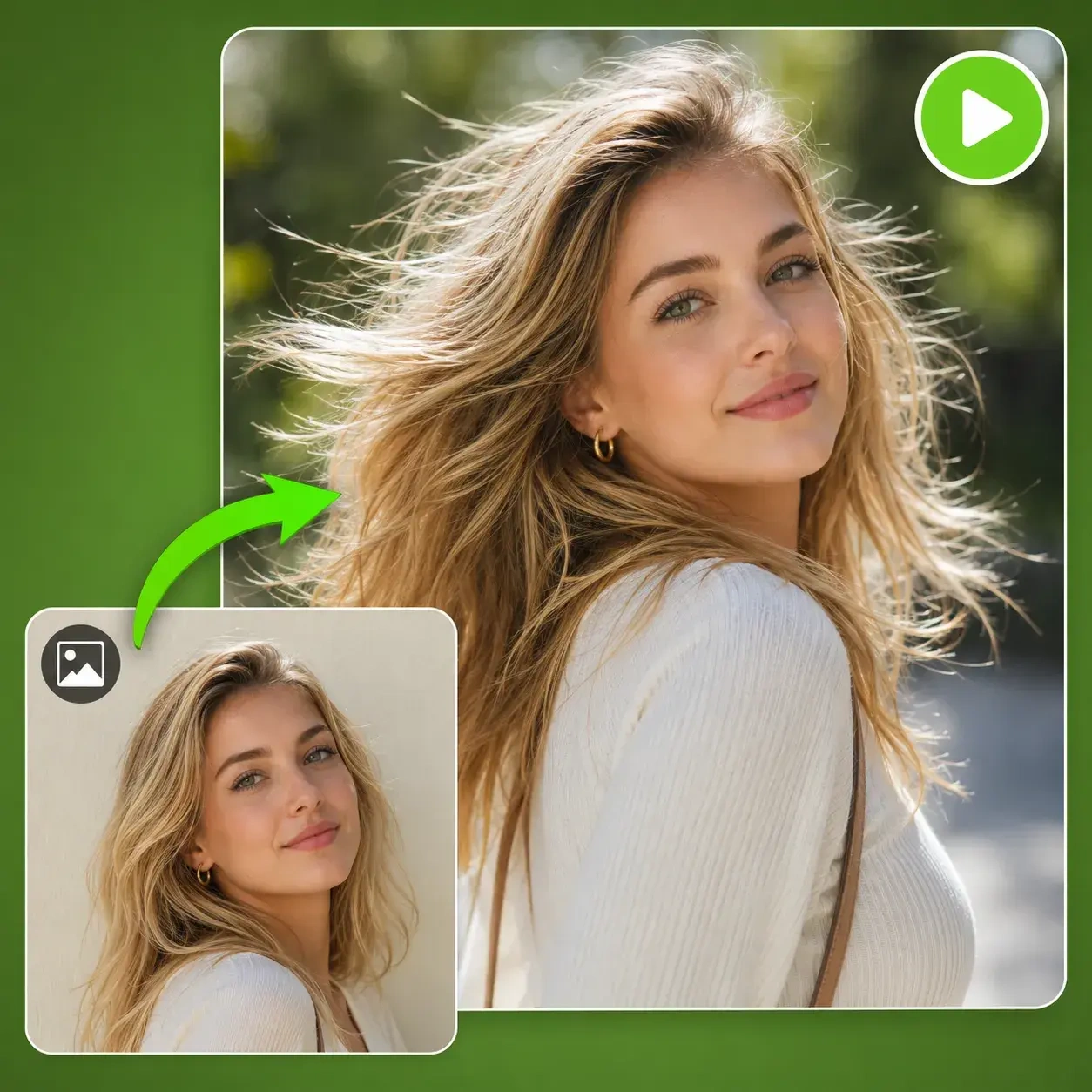
Start with a still image and explore video generation.
Create an image for your next visual project.